


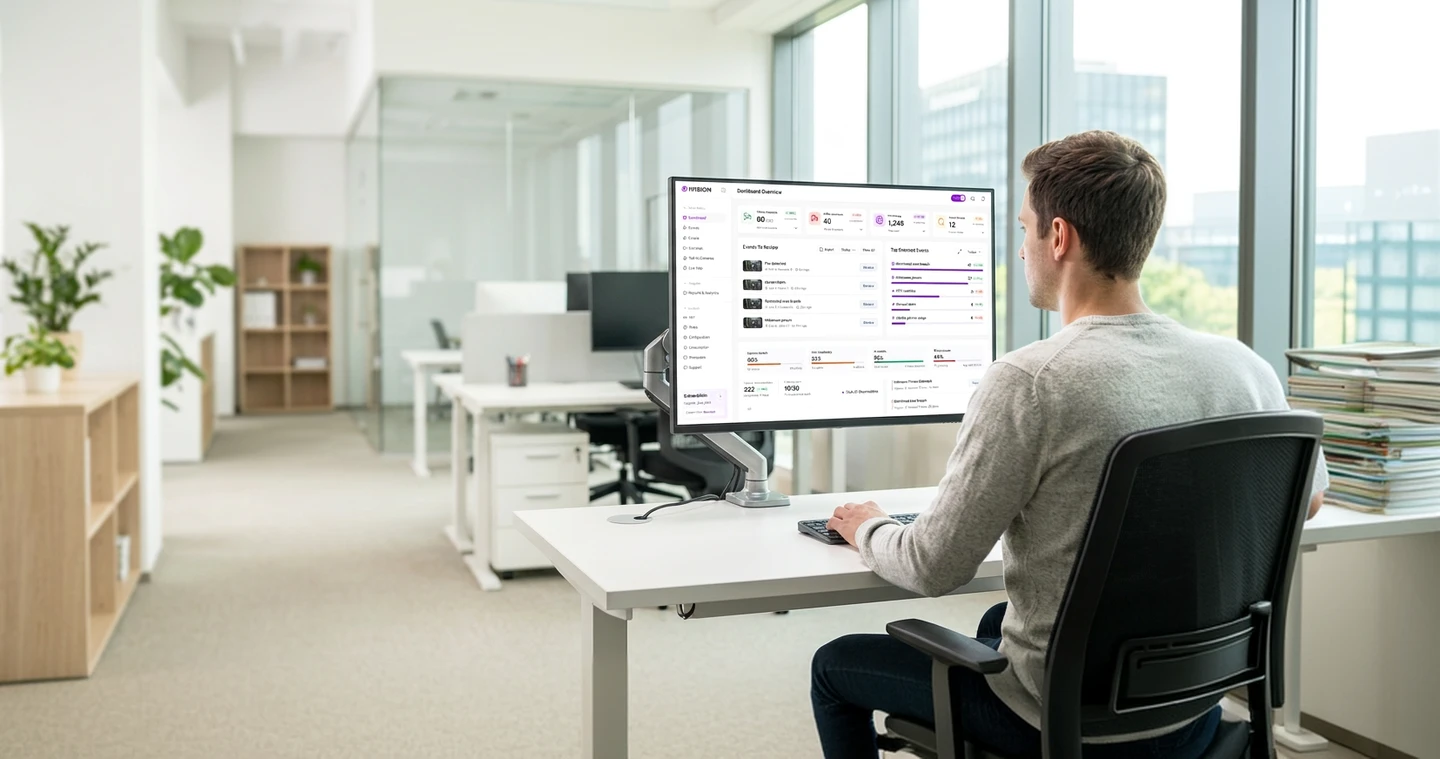
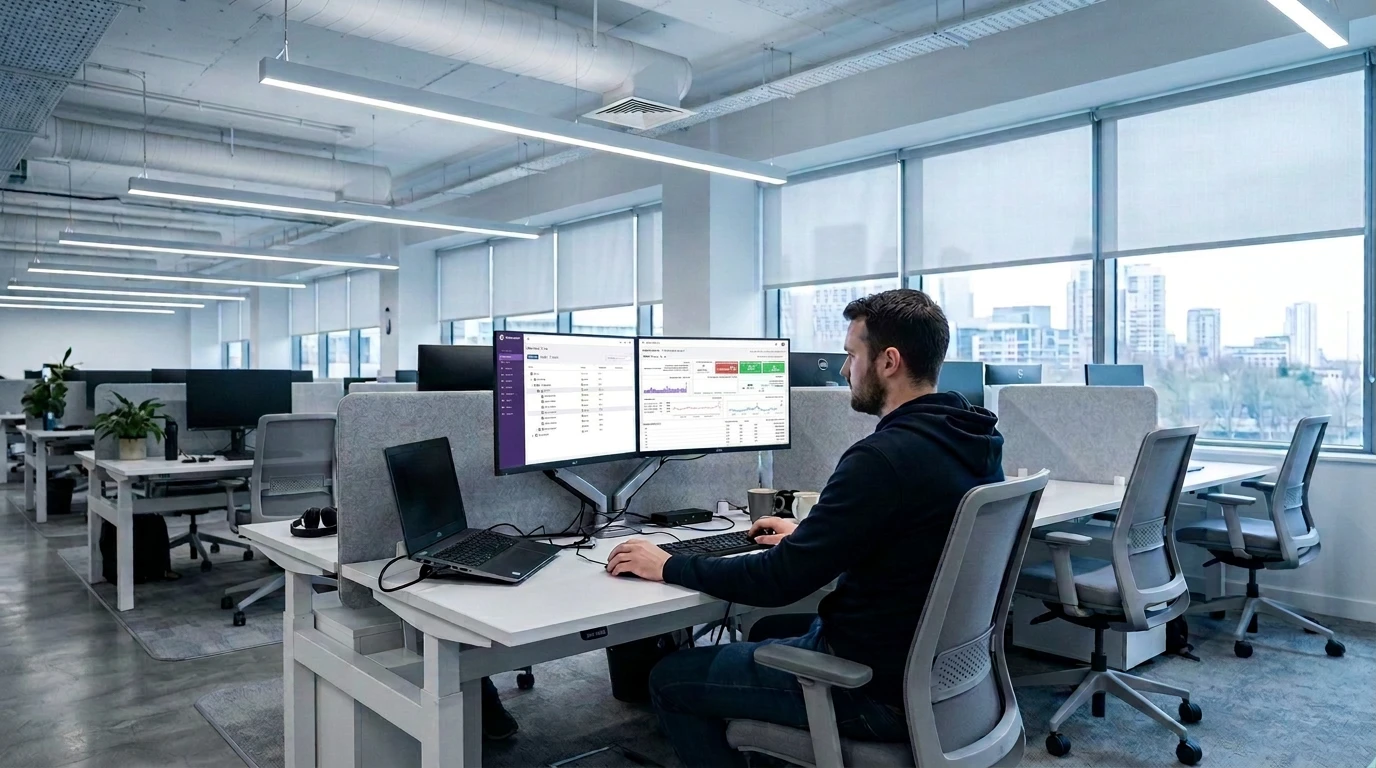


 Dashboard · Events · Cameras

 Live Map · Reports & Analytics


 People · Rules · Configuration
 Talk to Cameras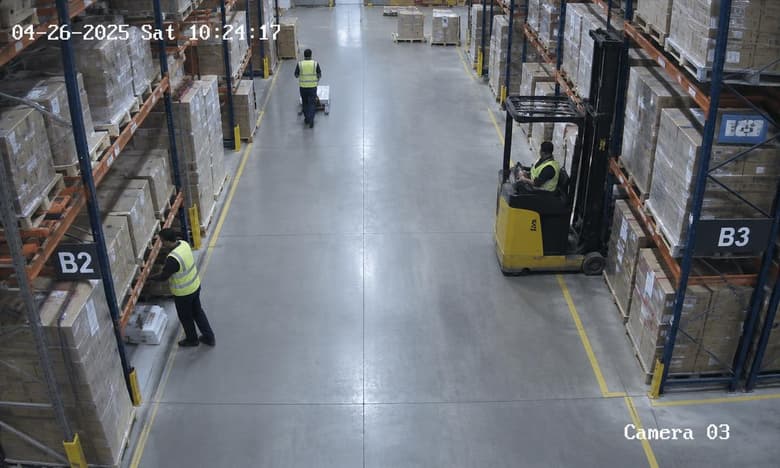


Cloud
Confirm hosting, data paths and service responsibilities.

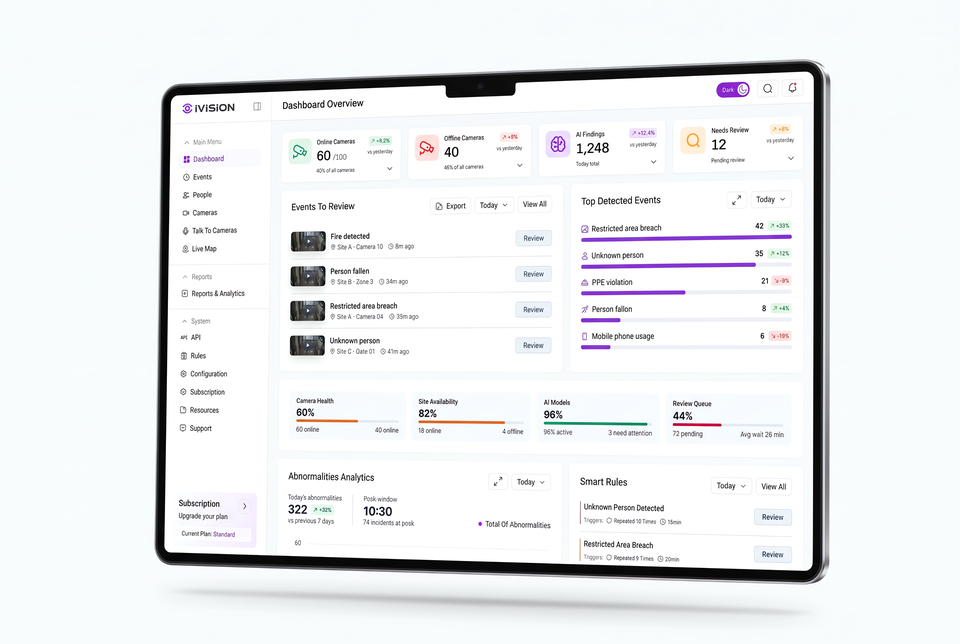
Bring compatible camera views and available event records into one place. Give reviewers the context to assess an observation and decide what happens next.
Platform Overview
Explore illustrative camera, event and report screens. Sample records and figures are not customer results; confirm supported modules before deployment.


 +5.2%vs yesterday

 +3%vs yesterday

 +12.4%vs yesterday

 +3%vs yesterday
 ExportToday
  View All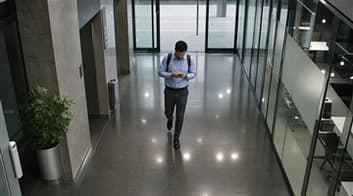
 Site A · Camera 10
 8m ago
 Site B · Zone 3
 24m ago
 Site A · Camera 04
 32m agoSite C · Gate 0141m ago
 Today
Today 
 Restricted-area presence42+32%
 Unmatched identity35+12%
 PPE observation21
 -8%
-8%
 Possible person-down event8+4%
 Mobile phone usage6-19%
Today  +22%View All
 15min
15minCore Features
Review connected camera views and available event records.
Dashboard · Events · CamerasCompare recorded activity with the relevant place and reporting period.
Live Map · Reports & AnalyticsPlan camera areas, review responsibilities and supported event conditions.
People · Rules · ConfigurationConversational concept preview
Explore sample questions and scripted answers. This concept preview does not search your footage; confirm conversational functionality separately for your deployment.
Try a question:
Choose a sample question to explore the concept
I found 12 safety-related events across 3 areas.
Scripted concept preview. No customer footage is searched. Ask the team about current availability.
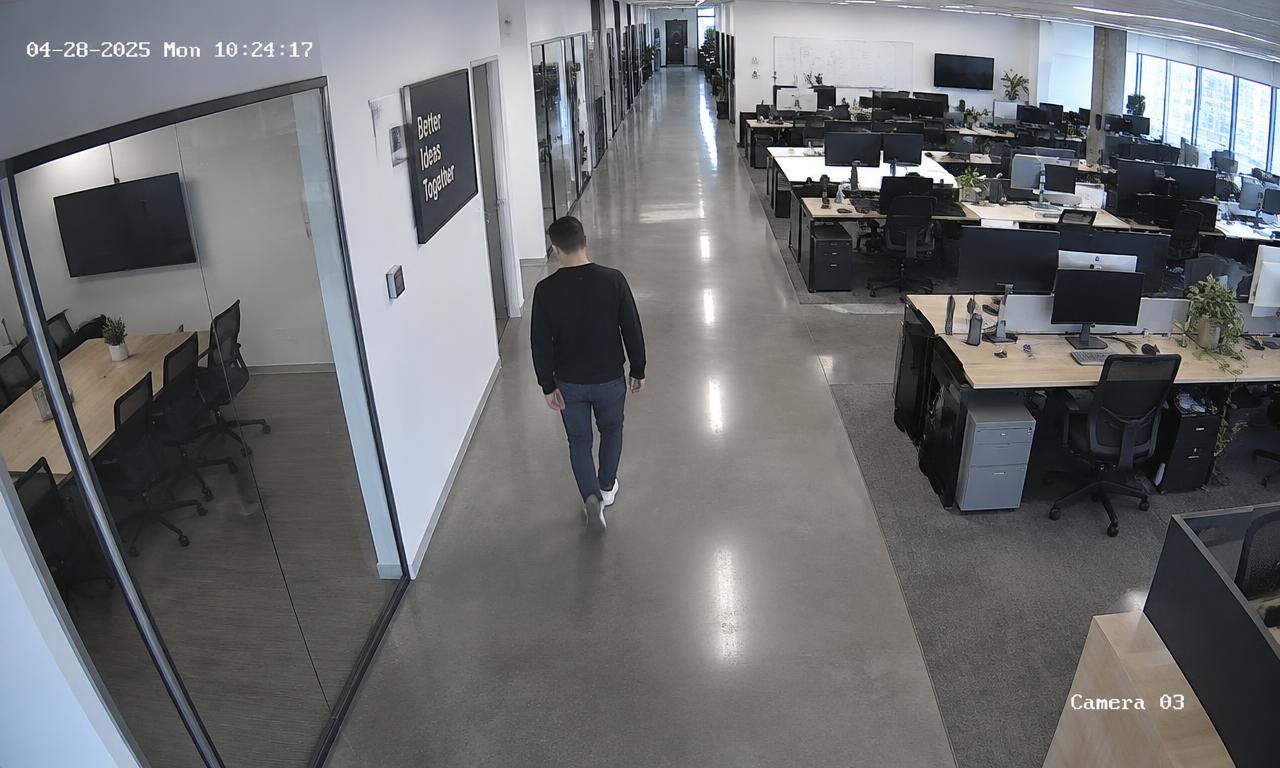 Person · 92%Monitor · 74%
Events
Review available camera events with their time, location and supporting media. This example adjusts visual overlays; its model scores are illustrative, not measured accuracy.
Detection color

Live Map
Toggle layers on this sample floor plan. Marker positions are illustrative and are not live location measurements.

 MN
MN RS
RS A
A

 A
A 5 cameras
 6 people
Rules
Plan a condition, its operating period and the responsible reviewer. This rule example is illustrative; verify the event evaluator and each delivery channel in your installation.
Try a question:
A person enters the Server Room
Between 18:00 – 07:00
Send a high-priority alert
Channels to validate SMSEmail
Reports & Analytics
Try filters on fictional attendance records. Confirm available fields and exports; this preview does not validate payroll or working hours.

Pick a field to narrow results
Sample fields; actual report availability must be confirmed
4 sample records match
| Name | Total Days | Avg Daily Hours | Present Days | Absent Days | Off Days |
|---|---|---|---|---|---|
| Logan Carter | 200 | 6.8 | 280 | 7 | 5 |
| Maya Bennett | 200 | 9.1 | 400 | 9 | 6 |
| Ethan Price | 200 | 5.9 | 210 | 6 | 3 |
| Sophia Ramirez | 200 | 8.3 | 340 | 7 | 4 |
No sample records match these filters.
IVISION IN ACTION
These illustrated workflows connect a possible observation to a human review and response. They are examples, not recorded customer deployments.
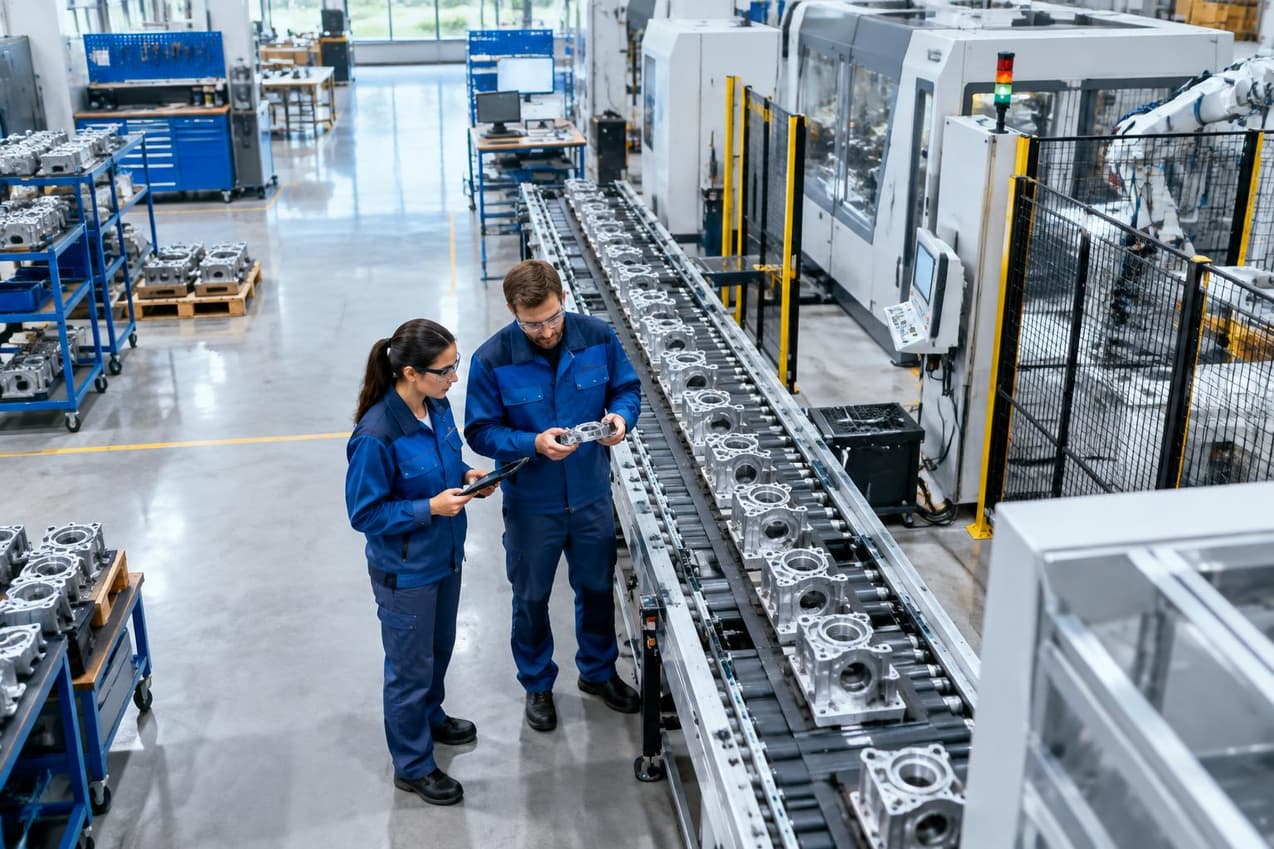
An unexpected pause on the line shouldn’t go unnoticed. Turn a visible interruption into a timely response.

A supported process detector may flag an apparent interruption at a visible inspection point.
IN IVISION · Production zone rules
The production lead checks available event media against the machine and shift records.
IN IVISION · Event review
The team investigates the cause and follows the approved restart procedure.
IN IVISION · Shift reporting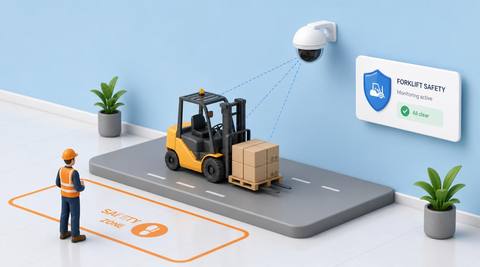
Bring people, vehicles, and loading activity into view. Turn a visible safety event into a timely response.
A supported area detector may flag a person within the marked forklift route.
IN IVISION · Warehouse zone rulesThe warehouse lead checks the route, vehicle movement and surrounding footage.
IN IVISION · Event reviewThe team reviews the event and coordinates a safe response.
IN IVISION · Safety event reporting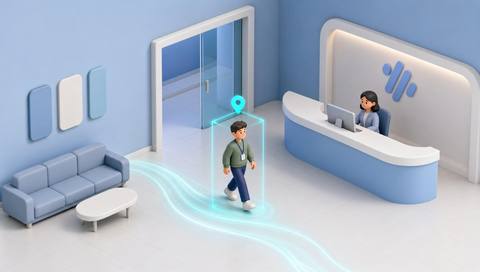
Understand activity at entrances and shared spaces. Give your team the context they need to respond.
A supported detector may record movement at a monitored workplace entrance.
IN IVISION · Workplace access rulesFacilities staff compare the available event context with visitor or access arrangements.
IN IVISION · Facilities reviewThe team reviews the footage and follows up on the event.
IN IVISION · Workplace activity reporting
Connect camera activity with clear operational context. Help authorized teams review and respond to relevant events.
A supported area detector may flag presence near a controlled back-office doorway.
IN IVISION · Restricted-area rulesAuthorized security staff check the event time, footage and access record.
IN IVISION · Security reviewAn authorized team member reviews the event and responds.
IN IVISION · Security event reportingDeployment

Cameras · NVRs · Network

Confirm hosting, data paths and service responsibilities.

Assess local processing, storage and administration.
Integrations


Workflow Concepts
Sample questions illustrate a possible review interface. Current deployment support requires confirmation.
Explore illustrative locations and routes. A drawn route does not establish continuous tracking.
Explore sample report layouts. Confirm available fields, filters and exports for your installation.

Describe your camera setup, priority scenario and review process. The team can confirm the available features and plan an appropriate demonstration.
 Camera compatibility assessmentDeployment planningWorkflow review