
 Download IVISION Catalog
 01
01Capture useful detail
Frame the animal at sufficient size without relying on a distant silhouette.


Different animal types can call for different checks. Classification can suggest a supported category from visible features, while uncertain or unfamiliar animals still require a person to review the image.
Confirm detector support, camera suitability and the proposed event workflow before deployment.
Review classification needs

 Without IVISIONStandard CCTV feed
 With IVISIONIllustrative event overlay
The Process
Review supported categories before choosing a response Help reviewers distinguish the types of animal sightings relevant to their site.
01Frame the animal at sufficient size without relying on a distant silhouette.
 02
02Validate category predictions against animals likely to appear locally.
 03
03Review ambiguous images and retain uncertainty in any event record.
 04
04Use the reviewed category to choose an appropriate operational contact.
Explore Your Options
| Dimension |  Animal classification Animal classification |  Animal detection Animal detection |
|---|---|---|
| Observation |  Visible features associated with a supported animal category. Visible features associated with a supported animal category. | An animal-like object visible in the image. |
| Event criteria | A detected animal receives a candidate class from a validated model. | A supported animal class appears within the monitored view. |
| Monitoring setup | Agree the relevant classes and how uncertain results should be handled. | Validate supported classes, observation area and event criteria. |
| What it cannot establish | A category is not proof of breed, sex, individual identity or health. | Appearance cannot establish ownership, health, aggression or an animal hidden from view. |
| Practical outcome | Help reviewers distinguish the types of animal sightings relevant to their site. | Give staff a visible starting point for checking unexpected animal access. |
Illustrative demonstration
Example footage and simulated events explain the review workflow. They do not measure detector performance.
 Sites overview
No matching events.
 Animal Detection
Start with a visible animal observation before interpreting its category.
Read More
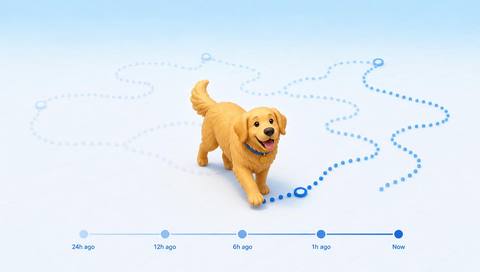 Animal Detection
Compare reviewed category sightings over time.
Read More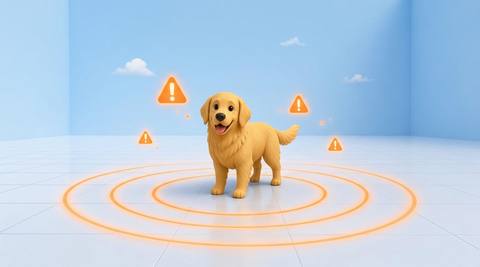 Animal Detection
Include a reviewed category in an agreed notification workflow.
Read MoreEXPLORE WHAT’S POSSIBLE
01 / 04 · ANIMAL CLASSIFICATION
Livestock and other animals may use the same approach.
Example event: A sighting receives a candidate livestock category.
Operator response: Check the image and notify the relevant stock handler.
Practical value: Direct review toward the right team.
Discuss this capability02 / 04 · ANIMAL CLASSIFICATION
Different animals are attracted to exposed waste.
Example event: A supported animal category is suggested near bins.
Operator response: Verify the sighting and inspect waste containment.
Practical value: Guide a targeted containment check.
Discuss this capability03 / 04 · ANIMAL CLASSIFICATION
Animal reports vary in detail.
Example event: The image suggests a supported animal type.
Operator response: Confirm the observation before dispatching staff.
Practical value: Improve the context of a site report.
Discuss this capability04 / 04 · ANIMAL CLASSIFICATION
Use a viewpoint that reveals distinguishing body features.
Visibility: Motion blur, partial bodies and distant animals reduce category reliability.
Configuration: Verify the exact model classes; do not assume an open-ended species list.
Privacy: Keep classification records limited to the operational purpose.
Human review: Review unfamiliar and low-quality examples before using the category.
Discuss this capabilityFrequently asked questions
Assign a candidate supported animal category to a visible animal observation.
Only categories explicitly supported and validated for the deployed model should be used; a broad species-recognition claim is not justified.
Category classification does not provide persistent individual identity.
It may be missed or misclassified. The workflow should allow an uncertain result and image review.
Any downstream action needs separate validation. Animal-handling decisions should remain with qualified staff.
Find your fit
Help reviewers distinguish the types of animal sightings relevant to their site. For Farm operations teams, Facilities coordinators.
Workflow to discuss
Animal classification + Add useful category context to visible sightings.
Discuss a camera view, a monitoring question and the review process your team needs.





