
 Download IVISION Catalog
 01
01Prepare the view
Frame a sufficiently detailed face at the entrance.


Assess entrance visibility, enrollment quality and operator review before relying on face matching. A candidate can help locate the relevant profile; credentials and area permissions still need their own checks.
Catalog workflow. Confirm detector availability, permitted use and event delivery for the proposed deployment. Website examples are illustrative.
Assess face recognition
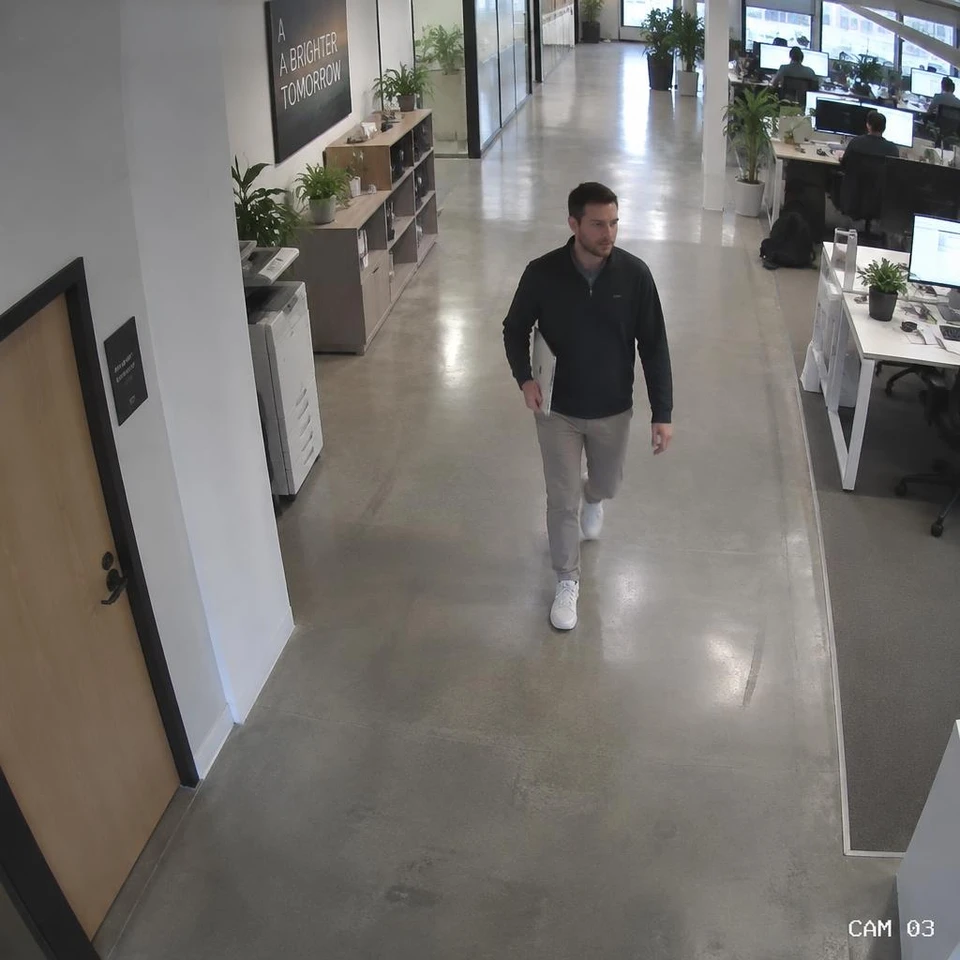
 Without IVISIONStandard CCTV feed
 With IVISIONIllustrative event overlay
The Process
Separate a candidate match from an identity decision Resolve entry checks with source-image context.
01Frame a sufficiently detailed face at the entrance.
 02
02If enabled, compare suitable observations with approved reference images.
 03
03Review the candidate, capture time and available source image.
 04
04Verify another credential when uncertain; confirm door integrations separately.
Explore Your Options
| Dimension |  Face Detection & Recognition Face Detection & Recognition |  Visitor Registration & Identification Visitor Registration & Identification |
|---|---|---|
| Observation |  A visible face and possible enrolled match. A visible face and possible enrolled match. | An arrival associated with a booking or registration. |
| Event criteria | A validated matcher returns a candidate for review. | An observation can be compared with an authorized visit record. |
| Monitoring setup | Confirm enrollment scope, confidence threshold and unmatched handling. | Confirm host approval, expiry, identity method and areas. |
| What it cannot establish | A match cannot prove identity, intent or permission. | A face match cannot establish an appointment or escort permission. |
| Practical outcome | Give an authorized operator a candidate identity to verify. | Keep guest handling distinct from employee enrollment. |
Illustrative demonstration
Example footage and simulated events explain the review workflow. They do not measure detector performance.
 Sites overview
No matching events.
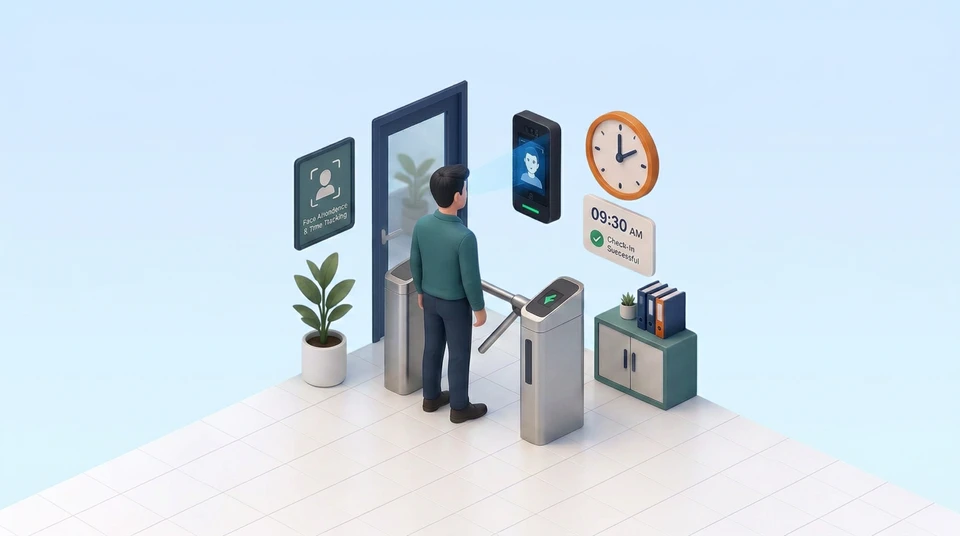 Face Recognition
Provide a guest verification alternative.
Read More
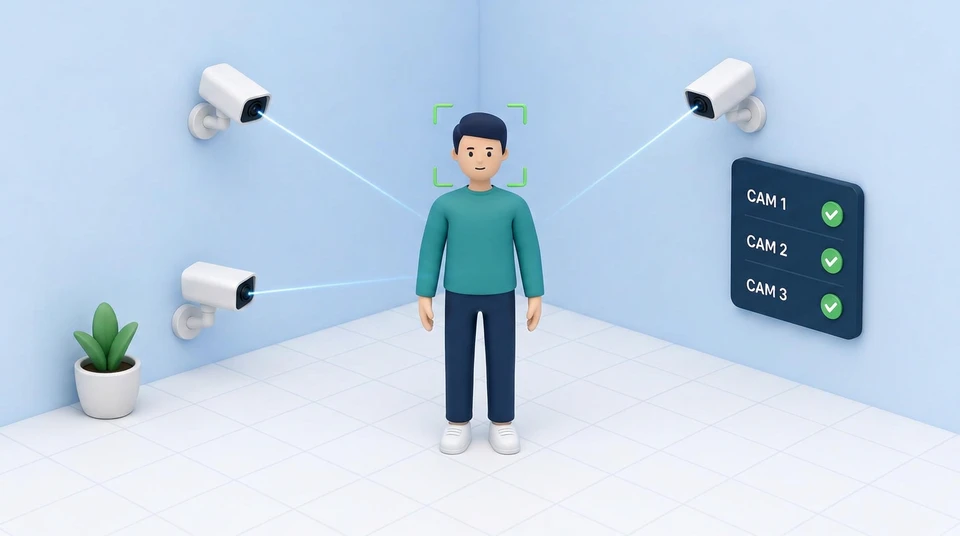 Face Recognition
Recognize insufficient visible facial detail.
Read More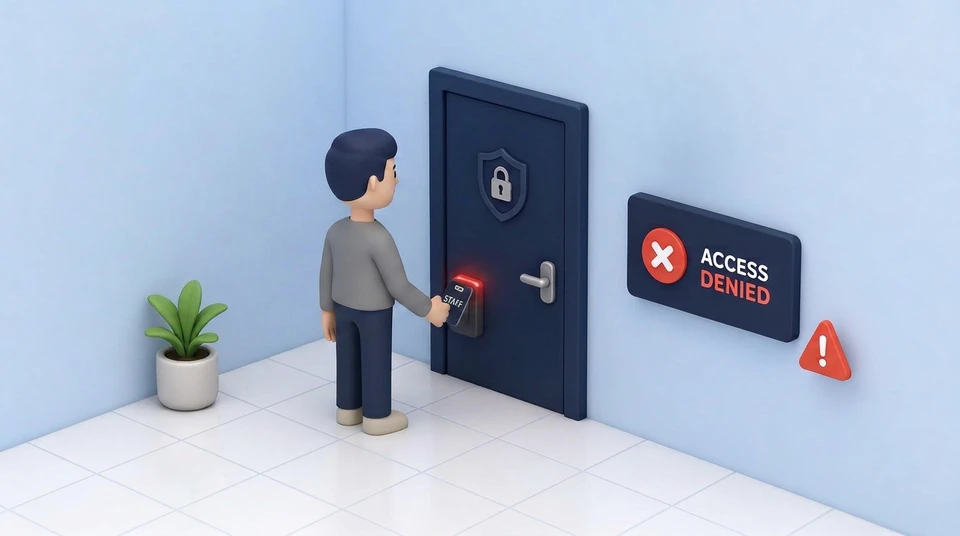 Face Recognition
Compare reviewed identity with area permissions.
Read MoreEXPLORE WHAT’S POSSIBLE
01 / 04 · FACE DETECTION & RECOGNITION
Reception must distinguish staff from guests.
Example event: An employee candidate appears.
Operator response: Check the credential before access.
Practical value: Adds context to entry review.
Discuss this capability02 / 04 · FACE DETECTION & RECOGNITION
Old profiles may no longer resemble staff.
Example event: A weak candidate appears.
Operator response: Refresh enrollment through the approved process.
Practical value: Exposes reference-image problems.
Discuss this capability03 / 04 · FACE DETECTION & RECOGNITION
First-time visitors are unenrolled.
Example event: No acceptable profile matches.
Operator response: Use visitor registration.
Practical value: Keeps guest handling clear.
Discuss this capability04 / 04 · FACE DETECTION & RECOGNITION
Use a frontal entrance view.
Visibility: Masks, backlighting and blur reduce detail.
Configuration: Validate matching on representative, authorized subjects.
Privacy: Limit enrollment, access and retention to the agreed purpose.
Human review: Confirm identity and permission independently.
Discuss this capabilityFrequently asked questions
Locates faces and, with a supported recognition service, compares observations with approved enrollment images.
Detection locates a face; recognition compares it with reference images.
Only a separately verified access-control integration could do so.
Use human review and an approved credential alternative.
Yes. Reference quality and appearance changes affect matching.
Find your fit
Give an authorized operator a candidate identity to verify. For Access administrators, Security supervisors.
Workflow to discuss
Face Detection & Recognition + Review candidate source images.
Discuss a camera view, a monitoring question and the review process your team needs.





