



 Face Detection & Recognition
Locates faces and, with a supported recognition service, compares observations with approved enrollment images.

Browse illustrative scenes, understand the visible condition and open the detailed monitoring workflow.
Face Detection & RecognitionLocates faces and, with a supported recognition service, compares observations with approved enrollment images.
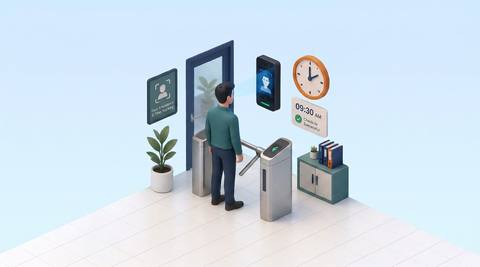
 Smart Attendance
Associates incoming attendance captures with employee records for time and presence review.
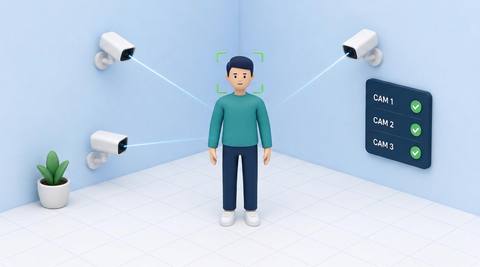
 multi camera face tracking
Associates candidate face sightings across selected cameras when a supported matcher is available.

 Unauthorized-access detection
Combines a person observation with defined area permissions to flag a possible access exception.
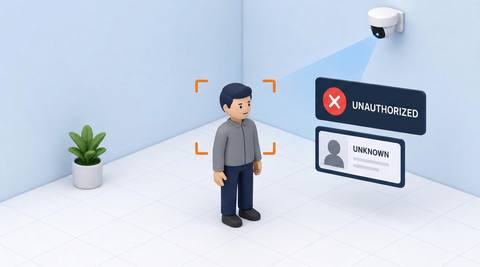
 Unauthorized-person detection
Flags a person observation without an accepted association to an approved list for a defined context.

 Emotion & Sentiment Detection
A legacy catalog label for visible expression cues; facial appearance cannot establish emotion or sentiment.

 Stranger / Unknown Person Alert
Marks a face observation without a confirmed known-profile association for review.

 Visitor Registration & Identification
Connects an approved visitor record with arrival evidence and an agreed identity check.

 Blacklist Alerting
Compares candidate observations with an explicitly authorized watchlist for verification.

 Age & Gender Estimation
A legacy entry for estimated appearance categories, not verified age, sex or gender identity.

 Mask / Helmet Detection
Observes visible mask or helmet presence when image detail supports the selected item check.

 Masked or covered face detection
Identifies observations where coverings obscure facial detail needed for the intended check.

 Phone Usage Detection
Flags visible handheld-phone interaction in a defined area when the object and gesture are discernible.

 Slip & Fall Detection
Flags a visible movement sequence consistent with a possible fall.
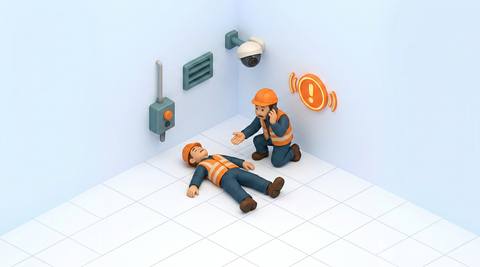
 Person Down / Collapse Detection
Flags a person remaining in an unusual low or lying posture in a monitored area.
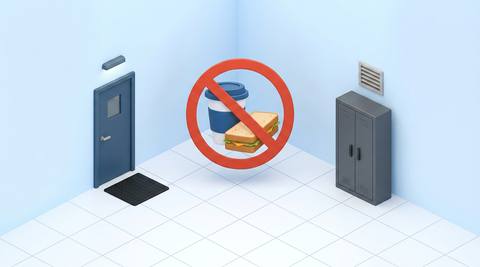
 No Food / Drink Zone Compliance
Flags visible food, drink or consumption-related objects in an area with a defined restriction.

 Sleeping / Inactivity Detection
Observes sustained low movement or posture patterns that may warrant a contextual check.

 Earphone and headset usage
Flags visible ear-worn devices where a defined operational policy restricts their use.
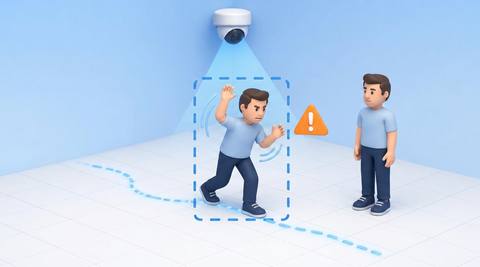
 abnormal activity detection
Flags a defined visual departure from expected activity in a specific monitored scene.
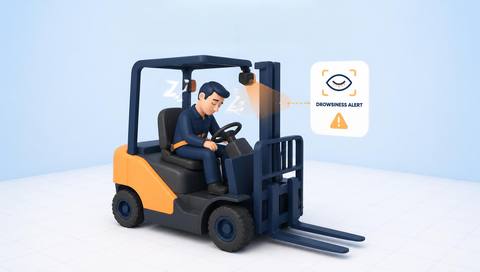
 Driver and personnel drowsiness
A catalog workflow for reviewing visible fatigue-related cues where suitable close-view analysis is validated.
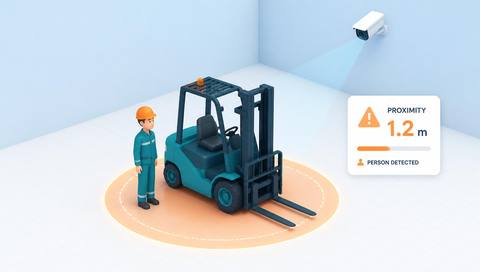
 Vehicle-person proximity detection
Flags a person and vehicle appearing within a defined separation criterion in the monitored view.

 Vehicle-person near-miss detection
Flags a close interaction whose visible paths may indicate a near-collision candidate.

 Pedestrian-pathway monitoring
Observes pedestrian movement relative to designated walking routes.
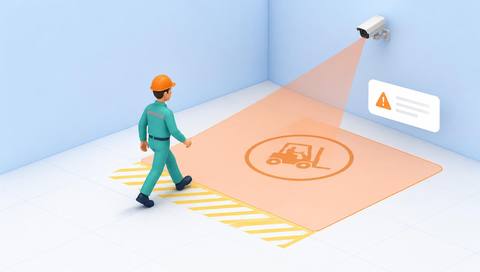
 Pedestrian entry, vehicle-only areas
Flags visible pedestrian entry into an area designated for vehicle traffic only.
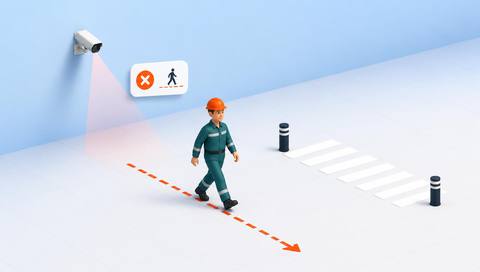
 Unsafe crossing detection
Flags a pedestrian crossing outside defined points or against a validated traffic rule.
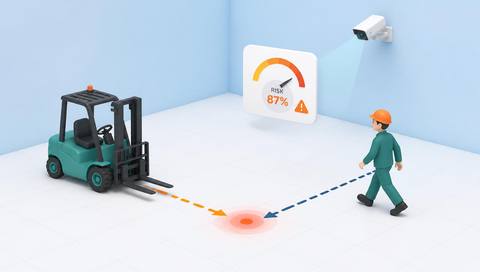
 Collision-risk estimation
A catalog workflow for evaluating potential path conflicts from visible vehicle and pedestrian motion.

 Running Detection
Flags movement patterns consistent with running within a defined monitored area.
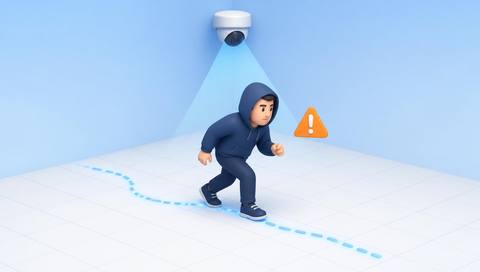
 Suspicious Behavior Detection
A legacy label for reviewing explicitly defined activity exceptions, not determining suspicious intent.
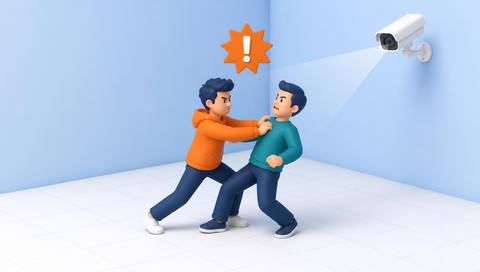
 Fighting / Violence Detection
Flags visible interaction sequences that may resemble a physical altercation.

 Loitering Detection
Flags a person remaining within a defined zone longer than an agreed duration.
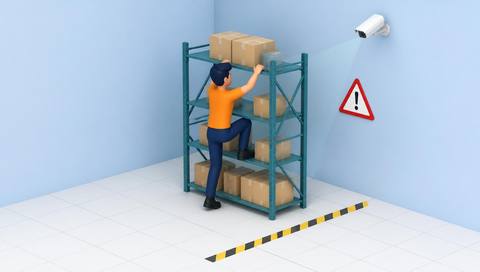
 Climbing / Restricted Height Access
Flags visible climbing or entry into a defined elevated area.
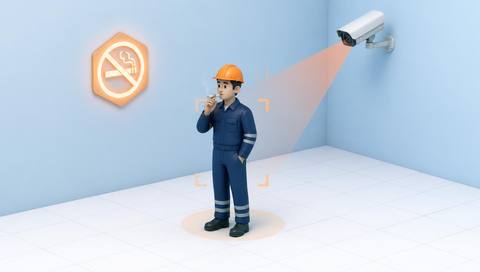
 Smoking Detection
Flags visible objects or gestures consistent with smoking in a defined restricted area.

 Uniform / Dress Code Compliance
Compares visible workwear attributes with a defined site uniform requirement.

 Gathering / Grouping Detection
Flags multiple people remaining together within a defined area and period.

 PPE Compliance
Reviews visible protective equipment against the requirements of a defined work area.

 Helmet Compliance
Flags people whose heads are visible but whose required protective helmets are not identifiable.
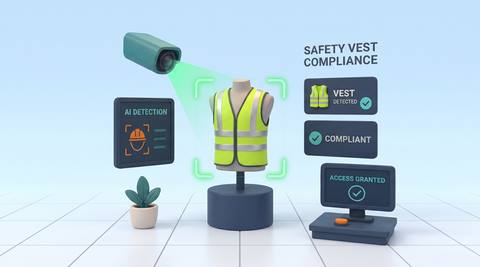
 Safety Vest Compliance
Reviews whether a person has a visible high-visibility garment in an area where it is required.
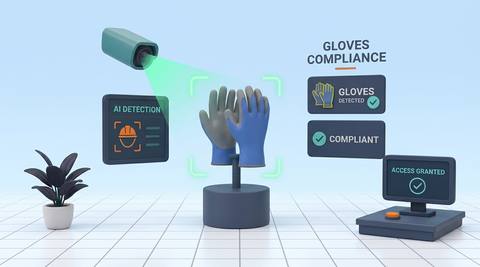
 Gloves Compliance
Reviews visible hands for required protective gloves during a defined task or access check.
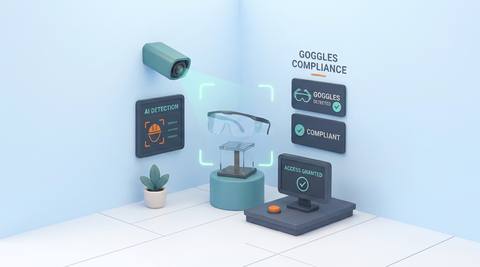
 Goggles Compliance
Reviews whether required eye protection is visibly present during a defined work-area check.
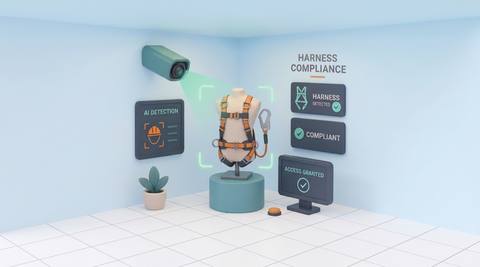
 Harness Compliance
Reviews visible harness equipment on people approaching or working in a designated elevated area.
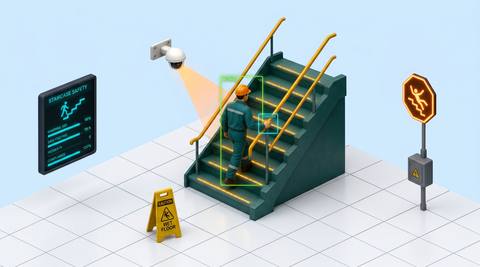
 Staircase Safety
Supports review of predefined visible events on stairways, such as a person down or an obstructed landing.
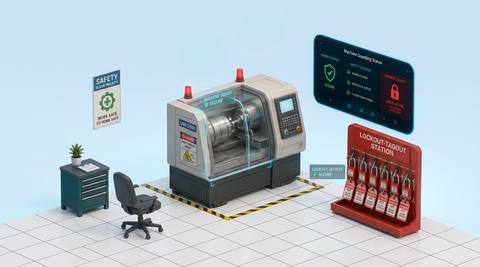
 Machine Guarding (LOTO)
Reviews visible machine-guard position or access around a guarded machine; energy isolation remains a separate verified procedure.
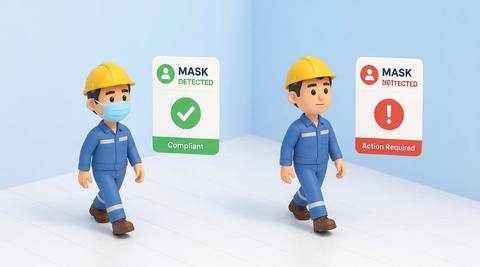
 Mask Detection
Reviews whether a required face covering is visibly present in a defined area.
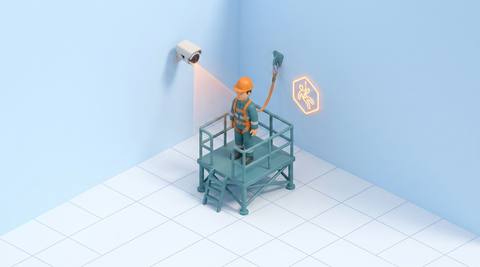
 Working at Height
Reviews people entering or remaining in defined elevated-work areas visible to a camera.
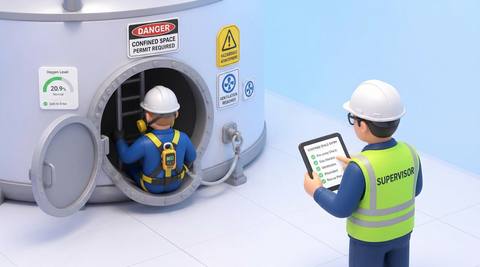
 Confined-Space Safety Monitoring
Supports visual review of people at a defined confined-space access point or observable interior area.
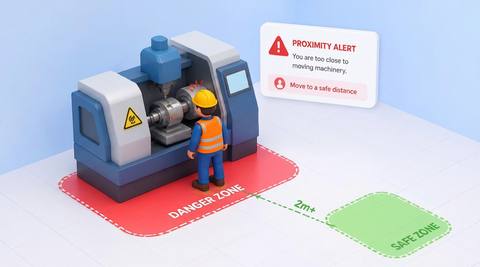
 Unsafe Proximity to Machinery
Reviews people approaching a defined clearance region around machinery.
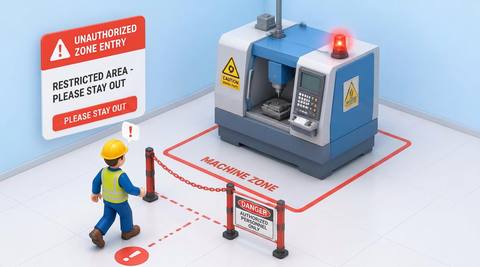
 Machine Zone Entry
Reviews a person crossing into a defined machine operating or maintenance area.
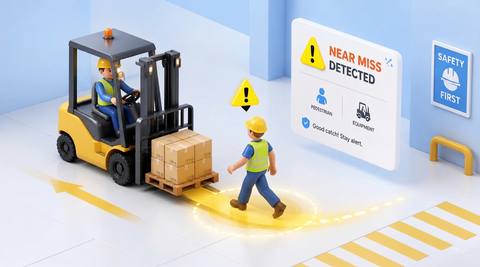
 People–Equipment Near Miss
Identifies candidate close interactions between people and moving equipment for contextual review.
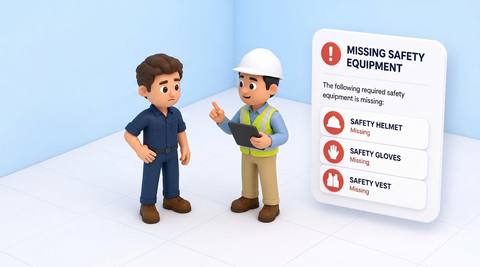
 Missing Safety Equipment
Reviews absence of an explicitly defined visible safety item from a person or an assigned location.
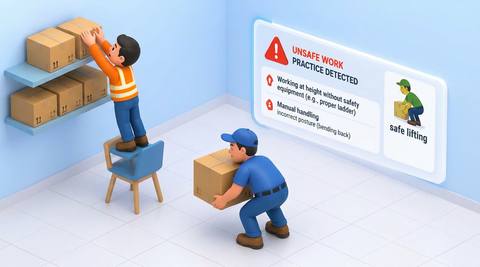
 Unsafe Work Practices
Reviews a narrowly defined observable work action against an approved task procedure.
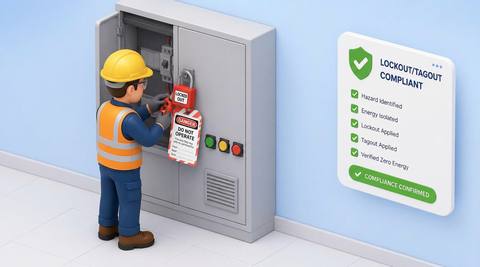
 Lockout/Tagout Compliance
Supports review of visible steps and access context associated with an approved lockout/tagout procedure.
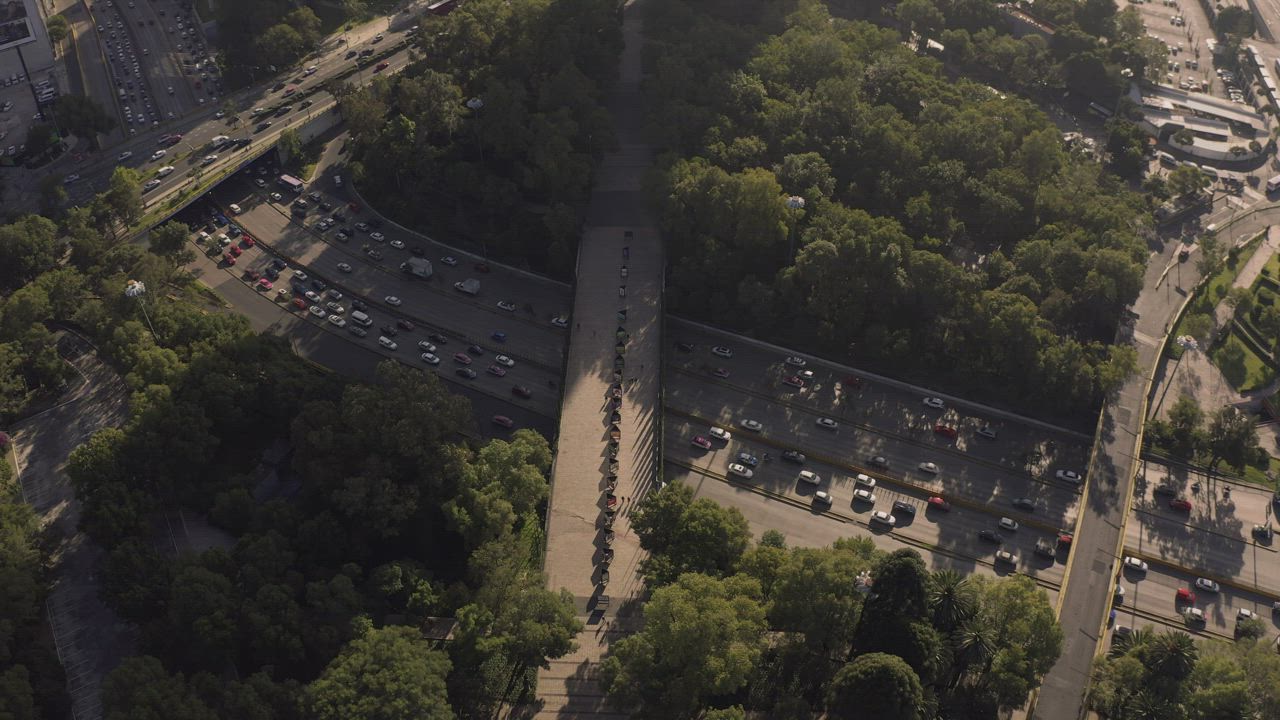
 Vehicle Detection
Identifies candidate vehicle objects in an assessed camera view.
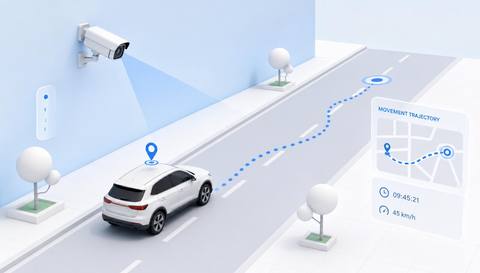
 Vehicle Tracking
Links observations of a vehicle through an assessed sequence or camera view.

 Vehicle Counting
Counts validated vehicle passages across a defined line or through an assessed region.
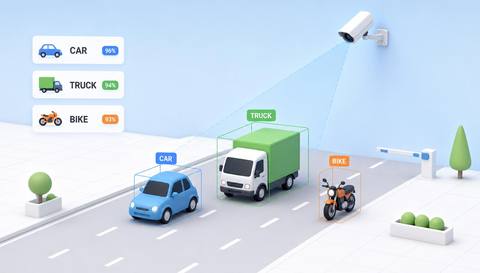
 Vehicle Classification
Assigns detected vehicles to broad supported visual categories such as cars, vans or trucks.
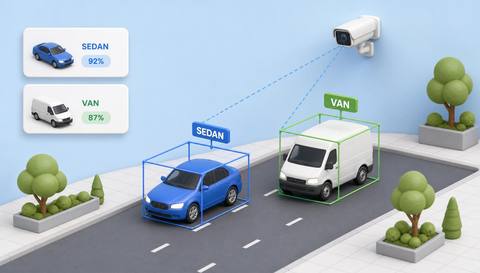
 Vehicle-Type Identification
Assesses more specific supported vehicle appearance labels beyond a broad vehicle category.
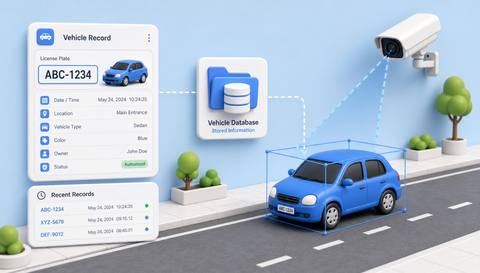
 Vehicle Information Storage
Organizes supported vehicle-related observations and associated metadata in reviewable records.
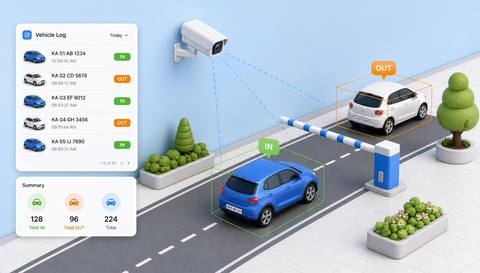
 Vehicle Entry and Exit Logging
Records supported vehicle crossings at designated entry and exit points with their available timestamps.
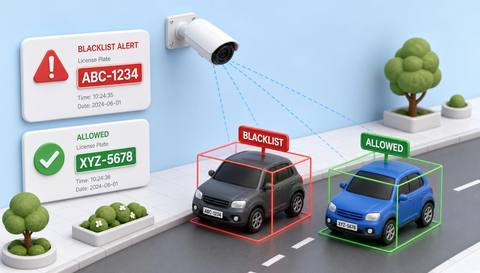
 Vehicle Blacklist and Watchlist Alerts
Compares supported vehicle identifiers with an authorized site-maintained list for human review.

 License Plate Recognition
Extracts candidate license-plate characters from a sufficiently detailed vehicle image.
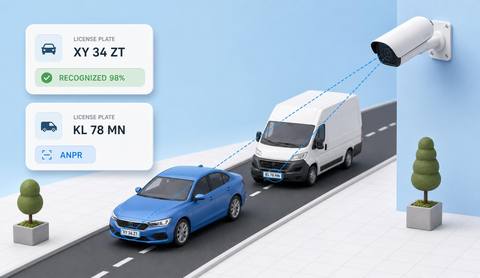
 Automatic Number Plate Recognition
Assesses automated plate capture and reading as vehicles pass through a defined camera approach.
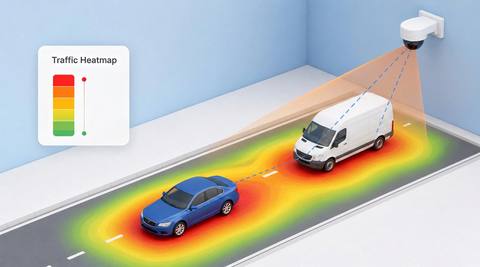
 Vehicle-Traffic Heatmaps
Summarizes supported vehicle-position observations as a spatial concentration view over a defined period.
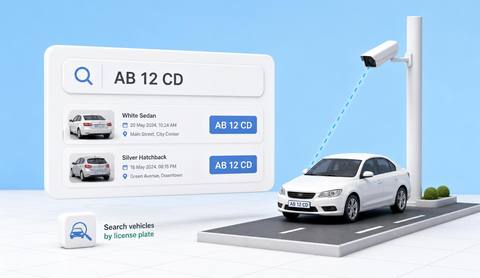
 LPR and ANPR-Based Vehicle Search
Retrieves supported stored vehicle observations using reviewed plate text or available plate-search criteria.
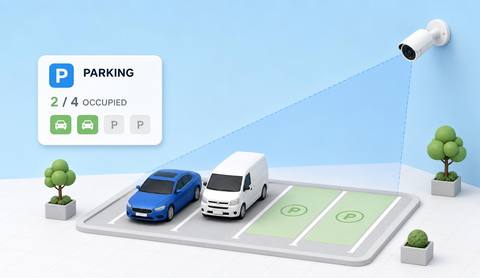
 Parking-Area Monitoring
Reviews supported vehicle occupancy and activity indications within an assessed parking area.
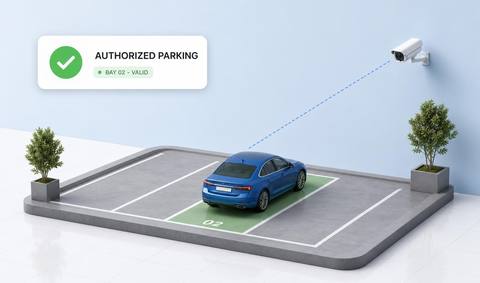
 Authorized-Parking Detection
Reviews whether a vehicle’s observed parking position meets an explicitly defined permitted-zone rule.
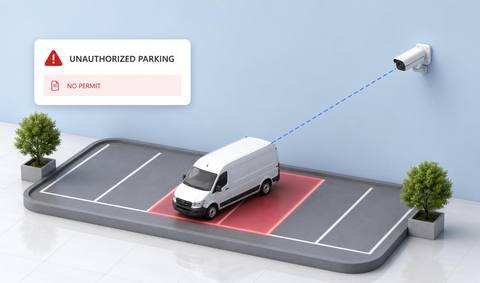
 Unauthorized-Parking Detection
Flags candidate parking positions or durations that differ from an explicitly defined site rule.
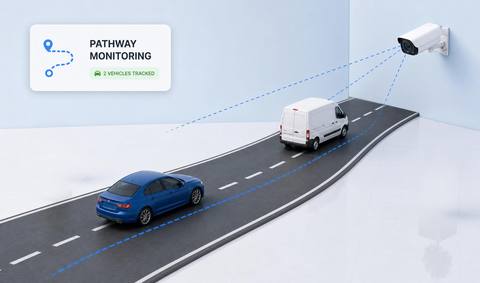
 Vehicle Pathway Monitoring
Reviews vehicle movement relative to a designated site driving route.

 Vehicle Stop-Sign Compliance
Reviews a vehicle’s movement at a defined stop position using validated stop-event criteria.
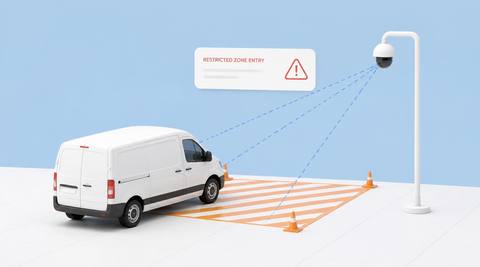
 Restricted-Zone Vehicle Entry
Reviews vehicles crossing into a defined area where vehicle access is restricted.

 Forklift Detection and Tracking
Identifies candidate forklifts and links their visible positions through assessed camera coverage.

 Forklift Safety
Brings selected forklift-related visual observations into a defined supervisor review workflow.

 Forklift Speed Monitoring
Assesses forklift movement speed only where a suitable measurement and calibration method is verified.

 Forklift Driver Detection
Reviews whether a person is visibly present in a forklift’s designated operating position.

 Driver and Non-Driver Classification
Assigns tentative operational roles from a person’s visible spatial relationship to a forklift.
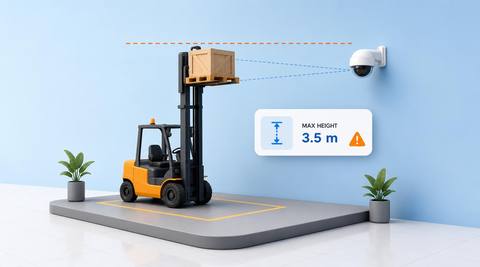
 Forklift Maximum-Height Monitoring
Reviews a forklift mast, fork or load position against an explicitly defined height reference.
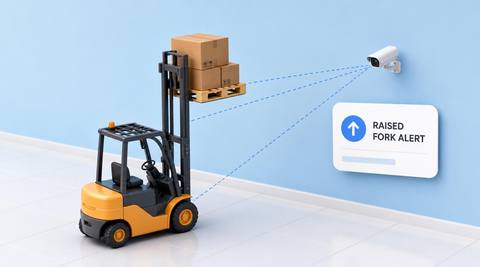
 Raised-Fork Safety Monitoring
Reviews visible forklift travel while the forks appear above an assessed travel-position reference.
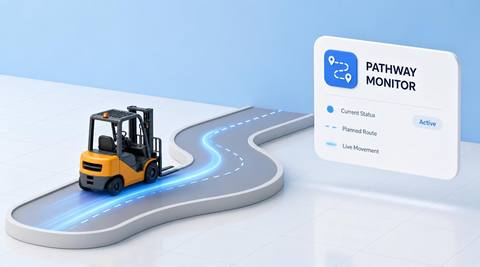
 Forklift Pathway Monitoring
Reviews forklift movement relative to a designated materials-handling route.
 Forklift Stop-Sign Compliance
Reviews forklift movement through a defined stop position using validated stopping criteria.
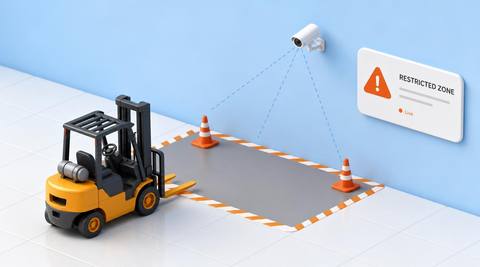
 Forklift Restricted-Zone Monitoring
Reviews forklift crossings into an area where forklift access is restricted.
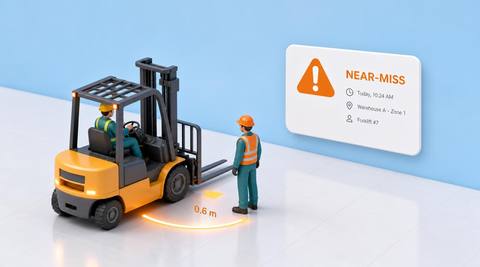
 Forklift Near-Miss
Identifies candidate close interactions involving forklifts for sequence-based human investigation.
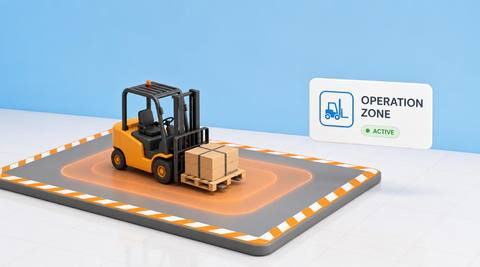
 Forklift Operation Zone
Reviews forklift presence and movement within an explicitly defined permitted operating area.
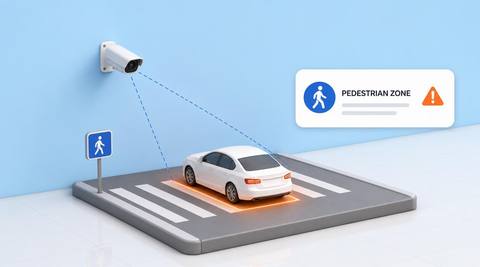
 Entry into Pedestrian-Only Areas
Reviews vehicles crossing into a region explicitly reserved for pedestrians.

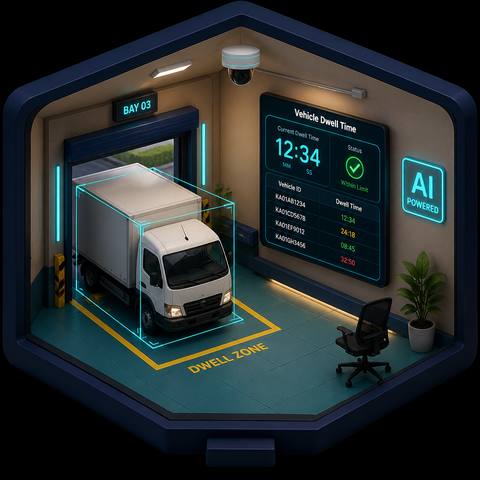
 Vehicle Dwell Time
Measures the duration of a supported vehicle presence or visit within a defined observation region.
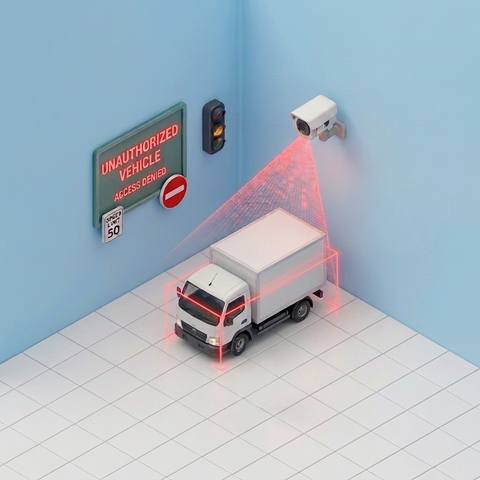
 Unauthorized Vehicle
Reviews a vehicle observation against current authorized access information where that comparison is supported.
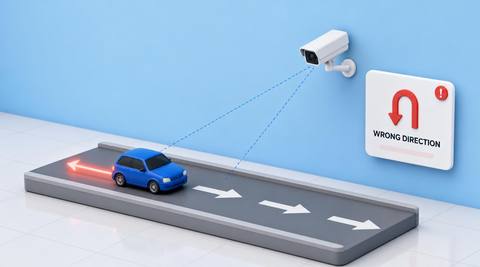
 Wrong Direction
Reviews vehicle movement against a defined permitted travel direction in an assessed route.
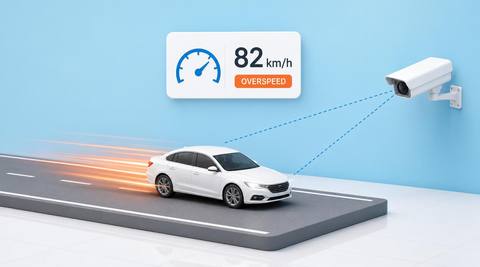
 Overspeed
Reviews calibrated vehicle-speed estimates against an agreed site threshold.
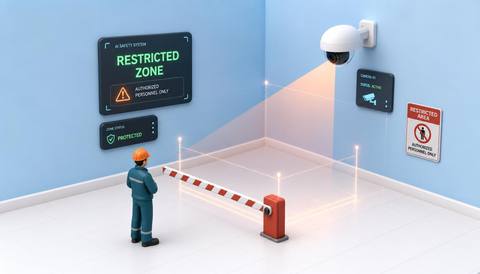
 Restricted Zone Monitoring
Observe supported activity inside a camera-defined restricted area.
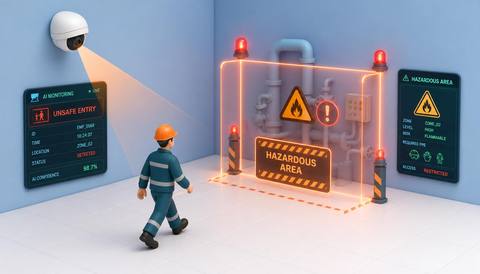
 unsafe entry into hazardous areas
Surface candidate entry into an area designated hazardous by the site.
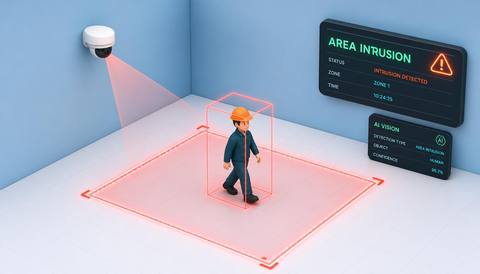
 Area Intrusion
Identify a candidate crossing into a monitored area under a validated entry rule.
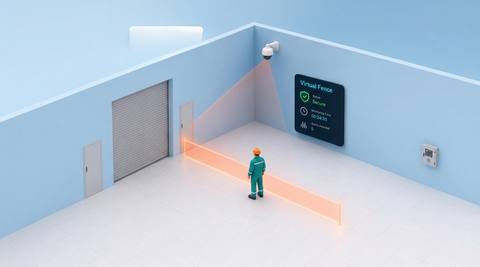
 Virtual fence monitoring
Use an image-defined line or boundary to review supported object crossings.
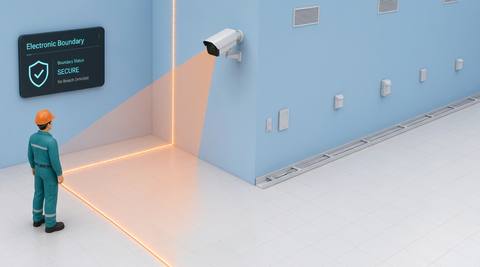
 electronic boundary monitoring
Review supported camera observations associated with designated boundary segments.
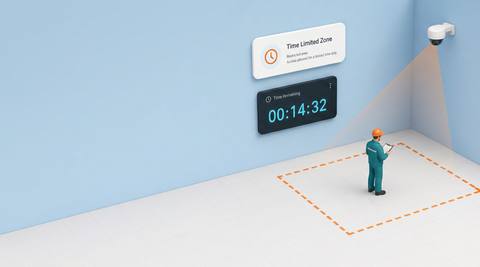
 Time Limited Zone
Review zone observations against a validated time condition such as a schedule or permitted dwell interval.
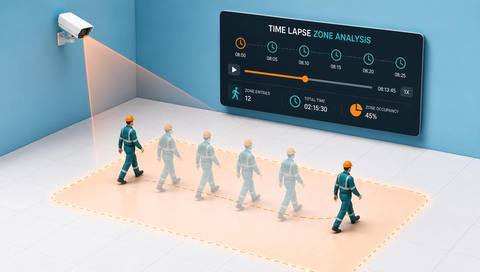
 Time Lapse Zone Analysis
Compare retained observations of a defined zone across selected times or intervals.
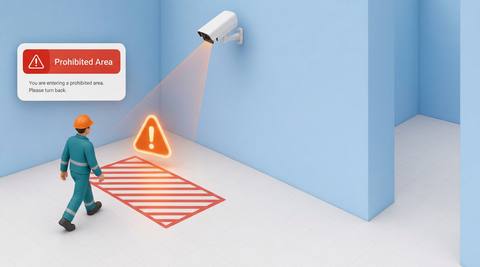
 people approaching prohibited areas
Observe a person moving toward a site-defined prohibited-area boundary.
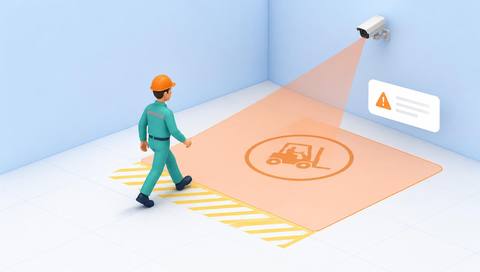
 Pedestrian entry, vehicle-only areas
Identify candidate pedestrian presence or entry within a designated vehicle-only image area.
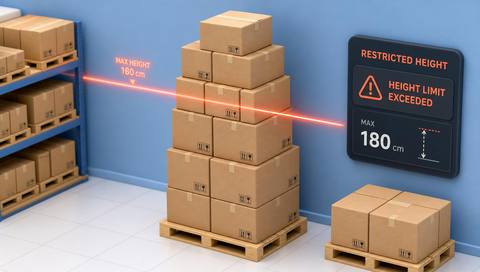
 Restricted-height access detection
Review a visible person or object against a defined height-restricted access condition.
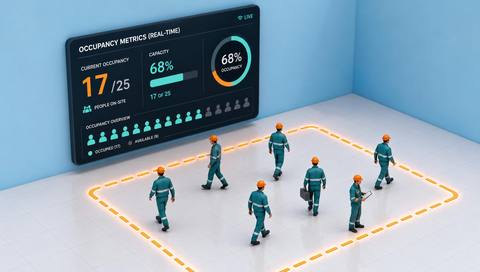
 Occupancy Metrics (Real-Time)
Present a current estimate of visible occupancy from a supported counting workflow.

 Zone occupancy views
Present visible occupancy by defined camera zone where the underlying observations are supported.
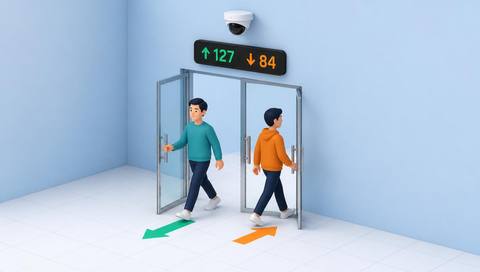
 People Counting (Entry / Exit)
Counts observed passages across defined entry and exit boundaries.
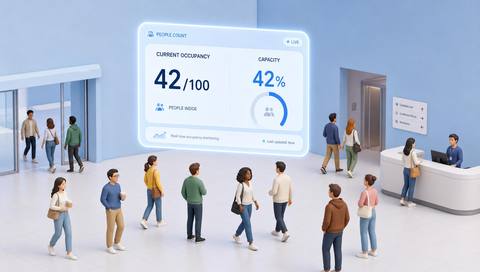
 Occupancy Metrics (Real-Time)
Estimates how many people are present in a defined monitored space at the latest observation.
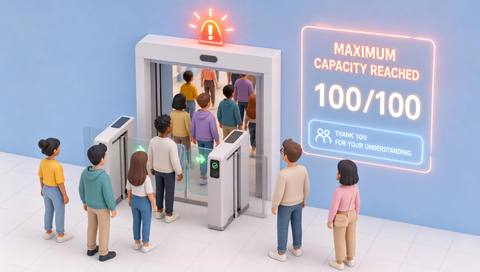
 Maximum-capacity monitoring
Compares a validated occupancy estimate with a defined operational capacity threshold.
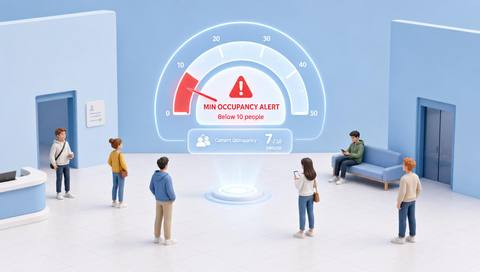
 Min and max occupancy alerts
Flags occupancy estimates outside an agreed lower or upper operational range.

 Min and max worker-count alerts
Compares an estimated worker count with a defined staffing range in a monitored area.

 Visitor Occupancy Tracking
Estimates visitors present in a defined space using an agreed, validated classification method.

 Employee occupancy tracking
Estimates employee presence within selected monitored areas using a verified staff association method.

 Crowd-density mapping & analysis
Shows estimated concentrations of people across a defined visible area.

 Gathering / Grouping Detection
Identifies a cluster of people remaining together within a defined counting area.
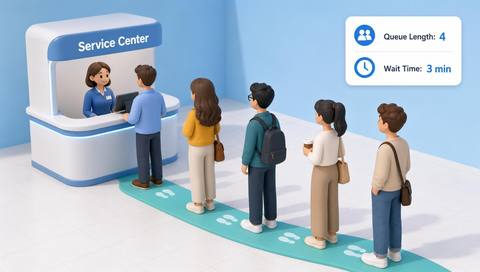
 Queue Length & Wait Time Estimation
Estimates people waiting in a defined queue and, where tracking supports it, the time spent waiting.

 Dwell Time Analysis
Measures observed time spent within a defined zone when tracking remains sufficiently continuous.
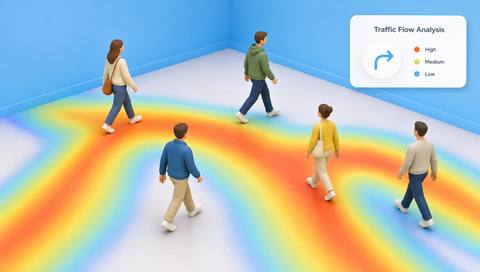
 Heatmap & Traffic Flow Analysis
Aggregates observed movement or presence into spatial patterns over a defined period.

 Desk Occupancy
Estimates whether a defined desk or workstation is visibly occupied.

 Workspace utilization analysis
Combines defined occupancy and duration measures to describe how monitored workspaces are used.
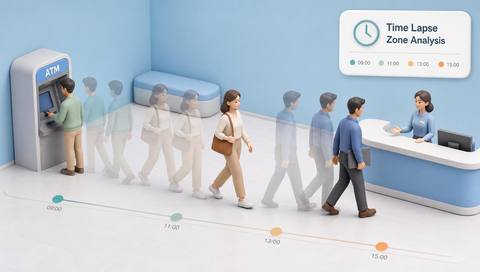
 Time Lapse Zone Analysis
Summarizes observed activity in a defined zone across an extended review period.
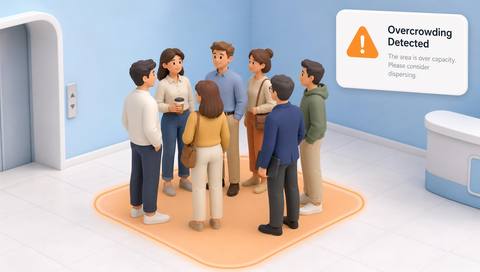
 Overcrowding detection
Flags a monitored area whose occupancy or concentration exceeds a defined operational criterion.

 Understaffing detection
Flags estimated worker presence below an agreed task-specific requirement.
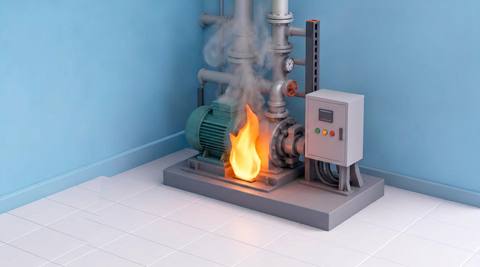
 Fire Detection
Reviews visible flame-like patterns as candidate indications of fire.

 Smoke Detection
Reviews visible smoke-like plumes or haze in an assessed scene.
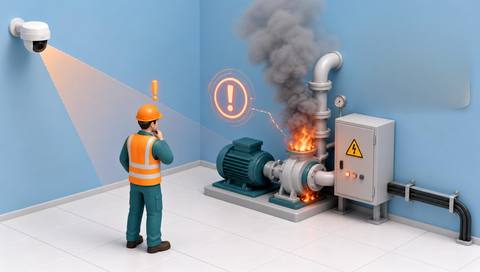
 Smoke and Fire Detection
Reviews smoke-like and flame-like indications while retaining the distinction between the two cues.
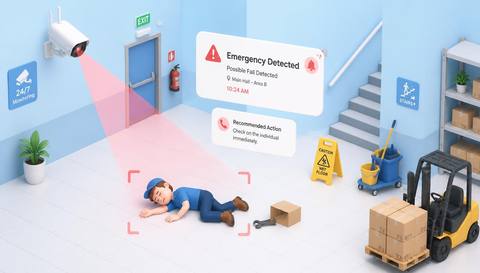
 Emergency Situation Detection
Brings explicitly defined visual incident cues into an emergency review workflow.

 Missing Fire Extinguisher Detection
Reviews whether an expected extinguisher is absent from its visible assigned position.
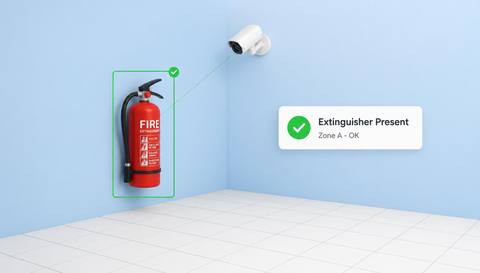
 Fire Extinguisher Presence Monitoring
Supports recurring visual checks that an extinguisher remains at an assigned visible station.
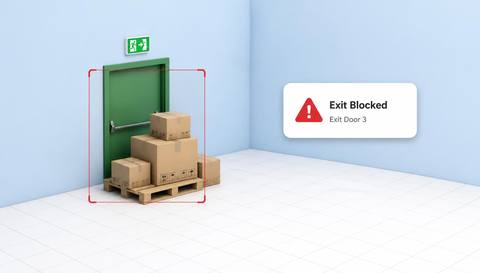
 Blocked Emergency Exit Detection
Reviews objects occupying a defined emergency-exit approach or clearance region.
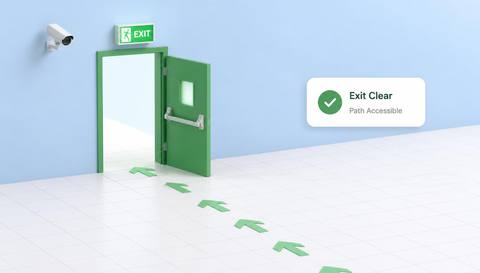
 Emergency Exit Accessibility
Supports review of visible conditions along an emergency-exit approach and doorway.
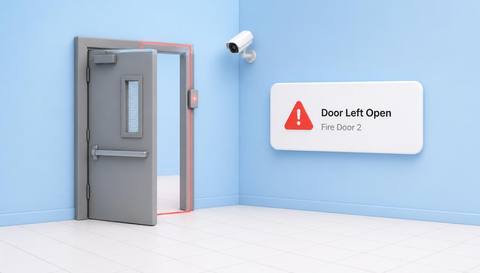
 Unsafe Door Status Detection
Reviews a door’s visible position against an explicitly defined expected condition.
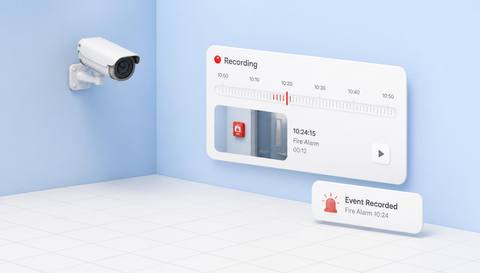
 Emergency Event Recording
Supports review of available clips or snapshots associated with a recorded emergency-related event.
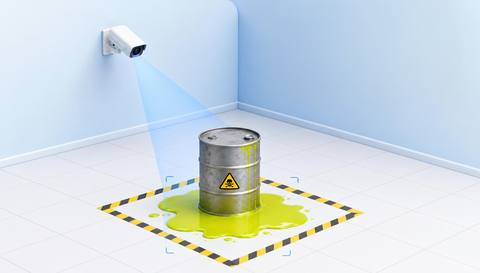
 Visible Hazardous-Material Leaks
Reviews visible material release near an assessed vessel, pipe or storage point.

 Liquid-Spill Detection
Reviews visible liquid accumulation on a monitored surface.
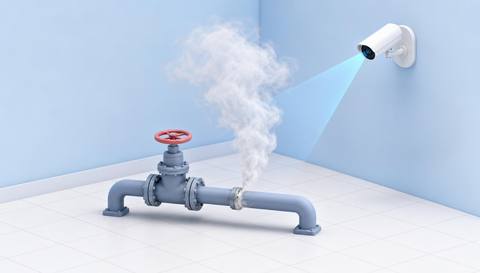
 Gas, Vapor or Smoke-Like Leak
Reviews a visible plume near an assessed release point without identifying its chemical composition.

 Wet-Floor Detection
Reviews floor appearance that may indicate a wet surface.
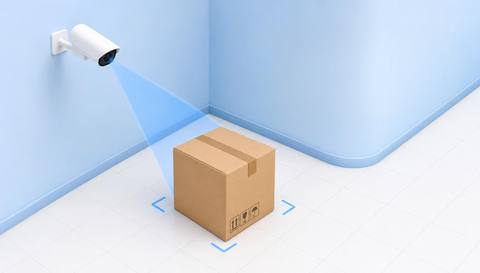
 Obstacle Detection
Reviews objects occupying a defined passage or work-area clearance region.
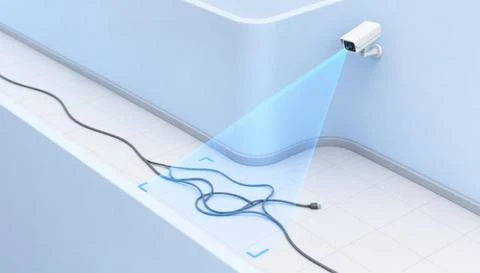
 Unsafe Walkway Detection
Combines selected visible route-condition checks within an explicitly defined walkway.
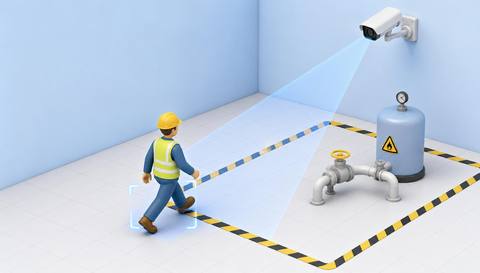
 Hazardous-Area Entry Monitoring
Reviews people crossing into a defined area that the site has designated as hazardous.
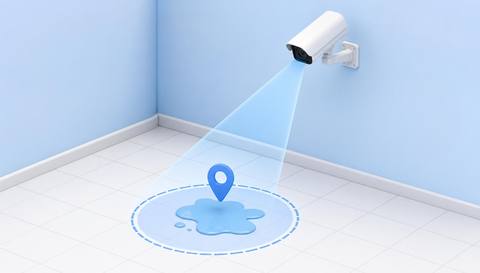
 Spill and Leak Location Identification
Adds camera and scene-location context to a reviewed spill or leak indication.

 Unattended-object detection
Identify a visible object remaining in a monitored place without an observable nearby attendant.

 Abandoned-object detection
Surface an object that persists after an apparent separation from nearby activity for further review.

 Unattended pallet detection
Identify a pallet remaining in a monitored area without visible handling activity.

 Unattended box detection
Surface boxes remaining in a monitored place without visible handling activity.

 Obstruction detection
Identify visible objects occupying a defined passage or clearance area.

 Door-open and close monitoring
Observe the visible open or closed position of a camera-covered door.

 Facility cleanliness monitoring
Review visible litter, residue or disorder against agreed facility appearance criteria.

 Improper object placement detection
Identify a visible object outside a defined permitted placement area.

 Housekeeping and Workplace Organization Monitoring
Review visible workspace arrangement against agreed housekeeping criteria.
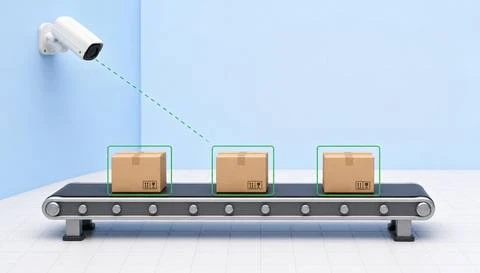
 Production-line monitoring
Review visible activity and selected observable states along a production line.
 Production-line counting
Count supported unit crossings at a defined production-line checkpoint.
 Product counting
Estimate the number of supported visible products in a defined inspection or staging area.
 Component and part counting
Count supported visible components or parts before a defined assembly or packing step.
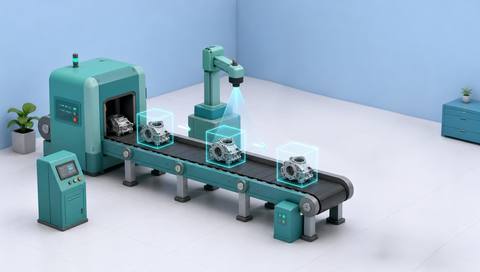
 Visual production analysis
Interpret selected visible production observations alongside operational context.
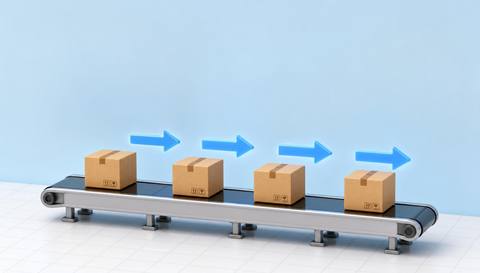
 Production-flow analysis
Review visible movement and waiting between defined production stages.

 Production-cycle monitoring
Measure intervals between validated visible start and end events for a production cycle.
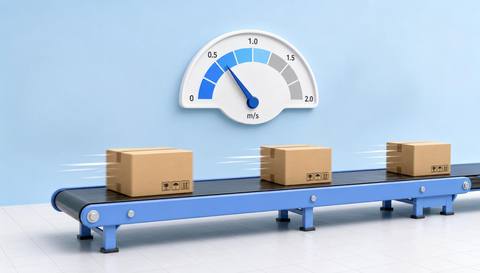
 Production-speed analysis
Estimate observed production cadence from validated unit movement or crossing intervals.
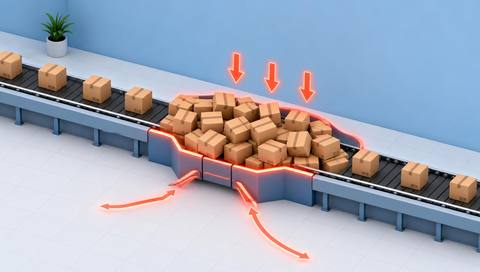
 Bottleneck detection
Identify visible accumulation or persistent slow transfer as a candidate production constraint symptom.
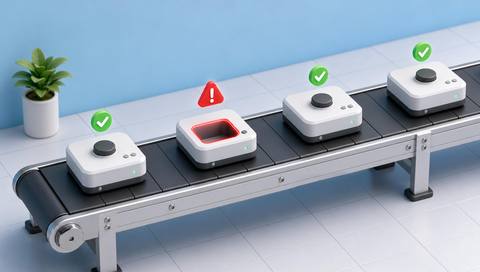
 Missing-component detection
Check whether a specified visible component is present at an inspection point.
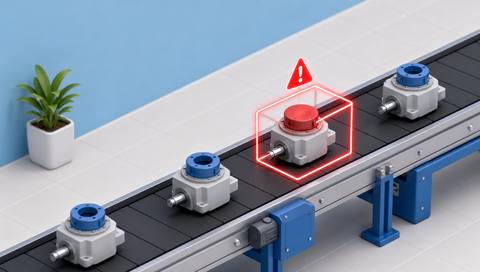
 Incorrect-component detection
Compare a visible component with a validated reference for the expected component type.
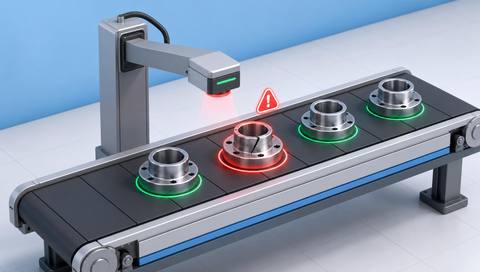
 Defective-part detection
Identify candidate visible anomalies on individual parts before assembly or further processing.
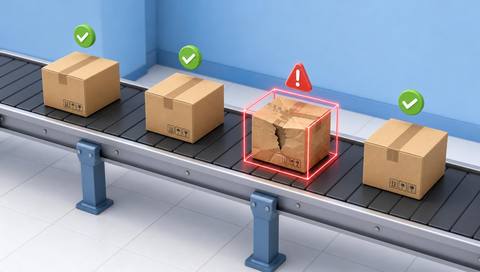
 Defective-product detection
Flag candidate visible anomalies on a finished or substantially completed product.
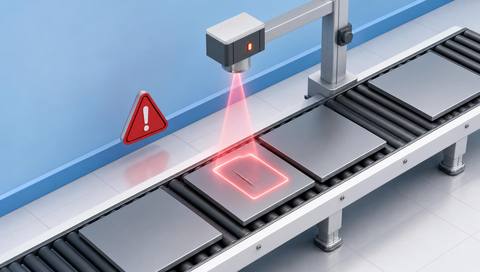
 Surface-defect detection
Identify candidate visible marks or finish irregularities on an inspected surface.
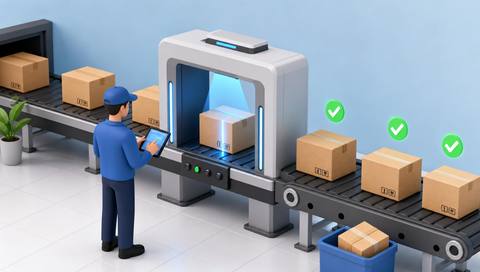
 Product-quality inspection
Evaluate specified visible product criteria at a defined quality checkpoint.
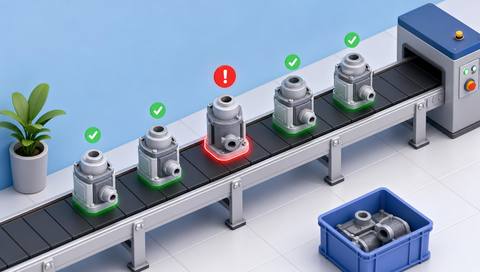
 Assembly-error detection
Compare a visible assembled state with the expected configuration at a defined step.

 Packaging-error detection
Review visible packaging configuration against approved packing criteria.

 Label and barcode verification
Compare a readable label or code with expected data using a separately validated reading method.

 Incorrect-position detection
Compare a visible product or component location with a defined permitted position.
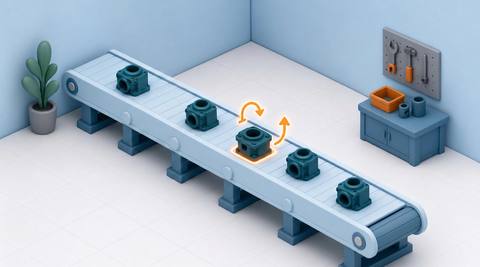
 Product orientation verification
Compare a visible product’s facing or rotation with the expected orientation.

 Production-Line Fault Detection
Surface visible symptoms of an abnormal production-line condition for investigation.

 Operational-efficiency analysis
Interpret validated visible activity and timing observations alongside production inputs and records.

 Rejected-product analysis
Review confirmed reject records and their available images to investigate recurring quality issues.

 Real-time person tracking
Associates visible person detections across frames within a monitored view when a tracking provider is connected.

 Real-time employee tracking
Associates movement observations with approved employee records where identity and tracking inputs are verified.

 Real-time visitor tracking
Associates permitted visitor observations across a defined monitored route where registration and tracking support are available.
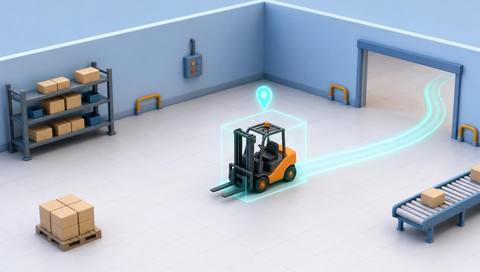
 Real-time vehicle tracking
Links visible vehicle detections across frames to describe movement within a monitored scene.
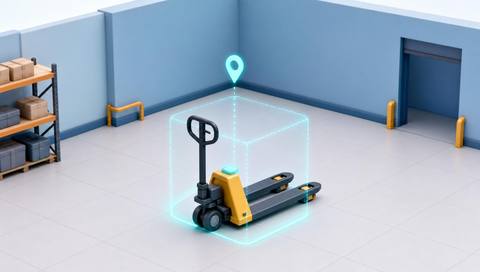
 Real-time equipment tracking
Associates visible equipment observations across frames for a defined, supported object class.
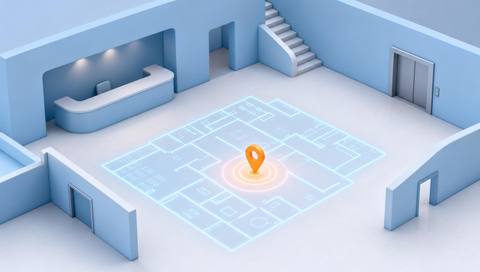
 Last-seen location display
Shows the location and time of the latest available observation for a selected tracked entity.

 Live location maps
A catalog workflow for placing recent, associated observations on a calibrated facility map.

 Interactive facility maps
Provides navigable facility-plan context for selected areas and associated camera information.
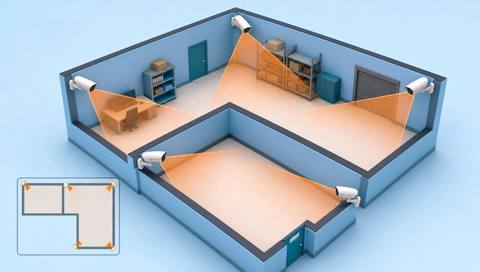
 Camera-location maps
Places known camera positions and labels within a maintained facility plan.
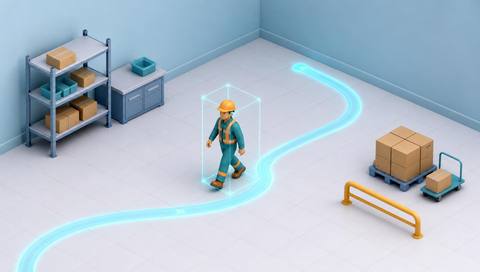
 Movement-path visualization
Displays a sequence of observed positions as a path within the supported view or coordinate system.
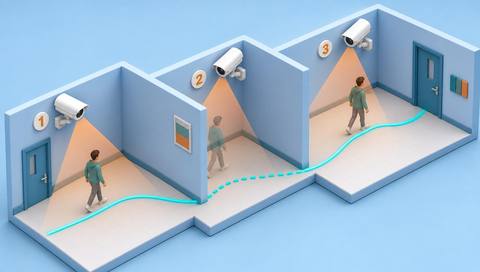
 Cross-camera route reconstruction
Orders associated sightings from different cameras into a candidate route for review.
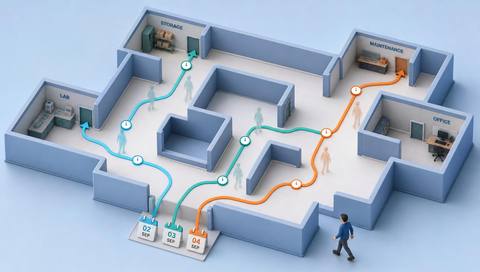
 Historical route visualization
Displays available movement observations from a selected past period as a reviewable sequence.
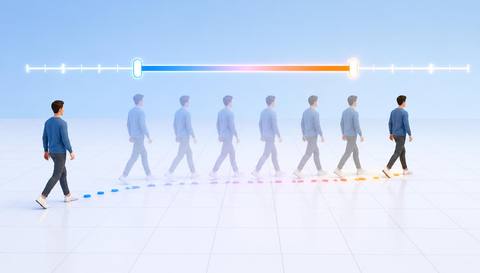
 Tracking across selected intervals
Restricts movement review to observations within an explicitly chosen time range.
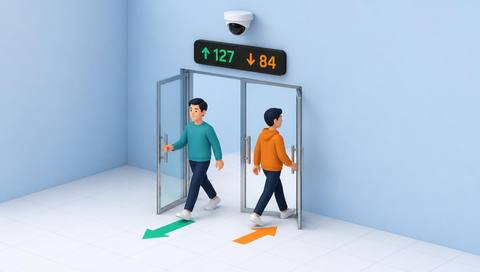
 Entry and exit point visualization
Shows observed passages at identified entry and exit points within a facility layout.
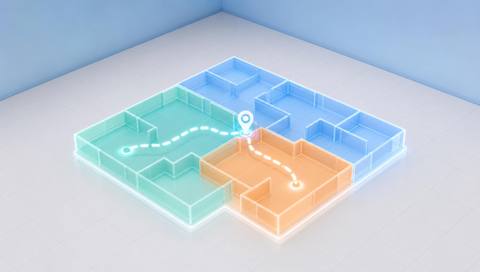
 Zone transition analysis
Summarizes observed movement from one defined zone to another when tracks and boundaries support the link.
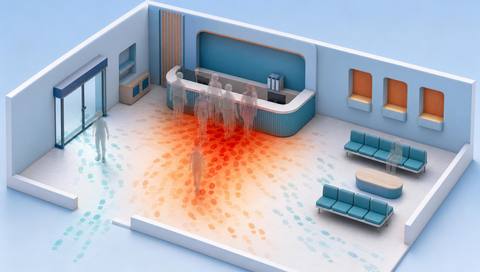
 Frequently visited area analysis
Ranks areas by a defined aggregate visit measure over a selected period.

 High-traffic and low-traffic area
Compares observed movement intensity across defined areas using a consistent metric and period.

 Animal detection
Identify candidate animal appearances in a monitored camera view.

 Animal classification
Assign a candidate supported animal category to a visible animal observation.
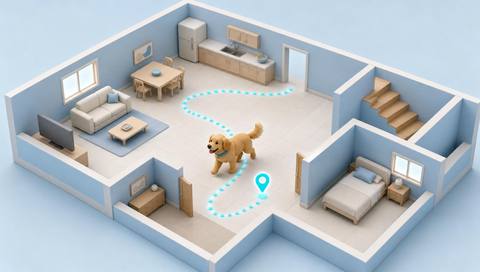
 Animal tracking
Follow successive visible positions of an animal within a monitored camera scene.

 animals entering restricted areas
Flag candidate animal presence or crossing at a defined restricted image area.
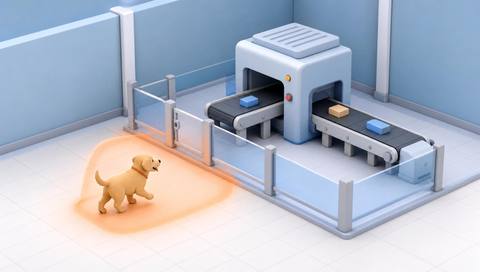
 animals entering production areas
Identify candidate animal entry into a visible production or packing area.

 animals entering sensitive facilities
Surface candidate animal access to camera-covered service or equipment areas.

 Real-time animal-intrusion alerts
Route a supported animal intrusion event to a separately validated notification workflow.
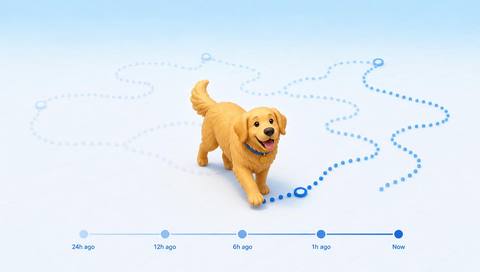
 Historical animal movement analysis
Review retained animal sightings or supported tracks across selected times and camera locations.
No videos found.