
 Download IVISION Catalog
 01
01Prepare the view
Choose the line segment and the process question the map should address.


A busy transfer point and a quiet inspection station can both be operating normally. A confirmed activity map can help identify where a process review should begin, provided the measured object, time window and operating state are defined. Throughput, quality and machine status need their own evidence.
Catalog workflow. Confirm detector availability, permitted use and event delivery for the proposed deployment. Website examples are illustrative.
Assess production activity mapping
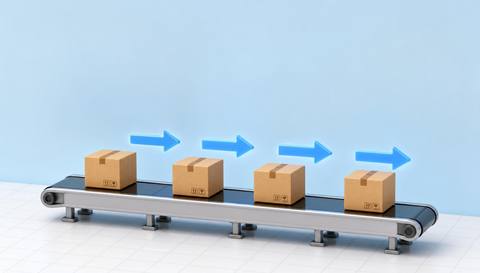
 Without IVISIONStandard CCTV feed
 With IVISIONIllustrative event overlay
The Process
Relate each pattern to the process. Focus a process walkthrough on a clearly described area and period.
01Choose the line segment and the process question the map should address.
 02
02Validate the visual measure during normal operation, changeovers and planned stops.
 03
03Compare spatial patterns with production schedules and authorized process records.
 04
04Inspect the identified area and test a specific process or layout adjustment.
Explore Your Options
| Dimension |  Production-line activity maps Production-line activity maps |  Production-flow analysis Production-flow analysis |
|---|---|---|
| Observation |  Configured line zones accumulate observed movement, presence or a supported object measure. Configured line zones accumulate observed movement, presence or a supported object measure. | Visible unit or material movement between defined process points. |
| Event criteria | Generate a spatial summary for an explicitly selected production interval. | Supported observations indicate a change in movement or accumulation. |
| Monitoring setup | Define objects, zones, operating states, planned stoppages and aggregation units. | Define stages, normal transfers and comparable operating periods. |
| What it cannot establish | Camera activity is not a calibrated production counter, quality measure or machine-state signal. Mapping and object support must be validated. | Video does not establish material genealogy or hidden movement outside coverage. |
| Practical outcome | Locate areas for process observation without treating camera activity as production output. | Help teams locate where the observed flow changes or accumulates. |
Illustrative demonstration
Example footage and simulated events explain the review workflow. They do not measure detector performance.
 Sites overview
No matching events.
Production MonitoringReview sequence and flow rather than spatial activity alone.
Read More
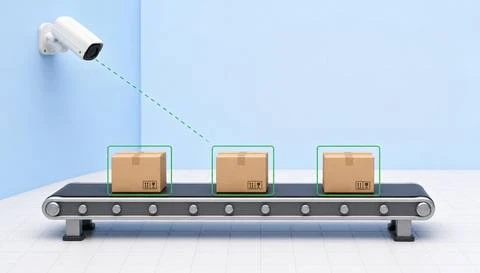 Production Monitoring
Assess a specific departure from an agreed process pattern.
Read More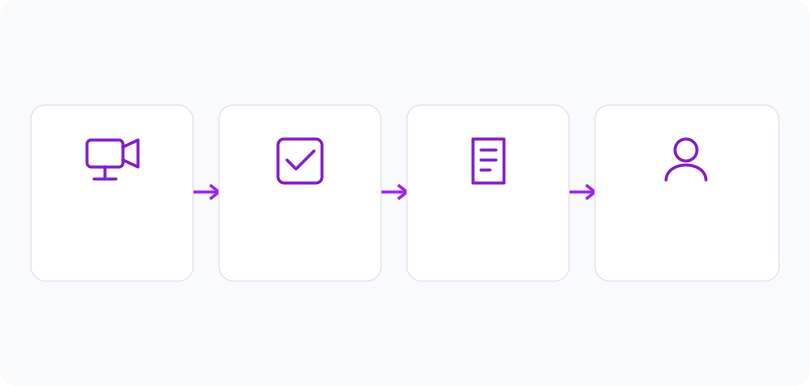 Production Monitoring
Define the scale used to compare high and low observed activity.
Read MoreEXPLORE WHAT’S POSSIBLE
01 / 04 · PRODUCTION-LINE ACTIVITY MAPS
Material handling appears concentrated at one handoff.
Example event: Observed movement repeatedly clusters around the transfer zone.
Operator response: An engineer reviews handoff footage and process timing.
Practical value: The team has a defined location for process observation.
Discuss this capability02 / 04 · PRODUCTION-LINE ACTIVITY MAPS
A layout trial changes access to shared parts.
Example event: Comparable periods show a different movement distribution.
Operator response: The supervisor checks task mix and replenishment schedules.
Practical value: The trial is assessed with context beyond color intensity.
Discuss this capability03 / 04 · PRODUCTION-LINE ACTIVITY MAPS
A quiet interval might reflect a planned cleaning stop.
Example event: Activity falls during the scheduled cleaning window.
Operator response: Operations compares the map with the production schedule.
Practical value: Expected downtime is not misreported as a production fault.
Discuss this capability04 / 04 · PRODUCTION-LINE ACTIVITY MAPS
Use views that include the relevant transfer points and floor areas.
Visibility: Machinery, guarding and stacked materials may hide activity.
Configuration: Confirm supported object measures, zone mapping and operating-state context.
Privacy: Avoid unnecessary individual attribution in workforce-facing maps.
Human review: Interpret maps with process owners and corroborating production records.
Discuss this capabilityFrequently asked questions
Production-line activity maps summarize observed movement or presence around configured line segments and work zones.
Not by itself. Unit counting requires a separately validated object and counting workflow.
It may be a normal process phase, planned stop, hidden activity or missing data. Check production context.
Only with relevant context: product mix, cycle pattern, staffing and planned operations can change the map.
No. Camera activity and machine telemetry describe different observations.
Find your fit
Locate areas for process observation without treating camera activity as production output. For Production engineers, Line supervisors, Continuous improvement teams.
Workflow to discuss
Production-line activity maps + Locate production areas for targeted observation.
Discuss a camera view, a monitoring question and the review process your team needs.





