
 Download IVISION Catalog
 01
01Prepare the view
Inventory streams, event sources and retained recording locations.


A camera can be online while its event stream or archive is unavailable. A combined search workflow should identify recent events, retained records and playable recordings separately. Confirm the integration and retention coverage before relying on one view of current and historical sources.
Catalog workflow. Confirm detector availability, permitted use and event delivery for the proposed deployment. Website examples are illustrative.
Assess live and recorded search
 Without IVISIONStandard CCTV feed
 With IVISIONIllustrative event overlay
The Process
Keep freshness and history visible. Review the available timeline with explicit data gaps.
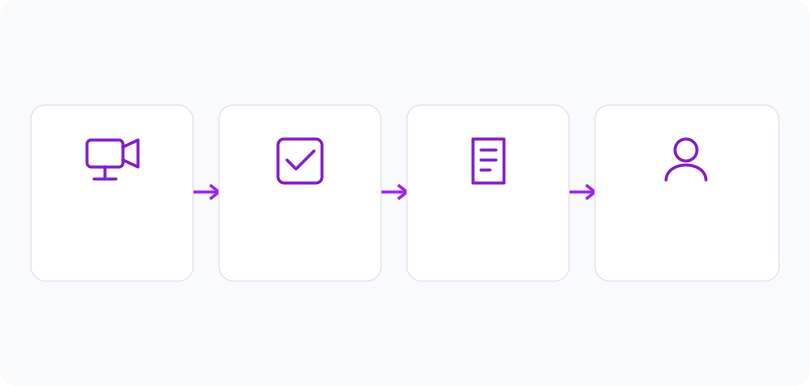
01Inventory streams, event sources and retained recording locations.
 02
02Confirm supported criteria and how new records enter results.
 03
03Review timestamps and clips, distinguishing stale results from current observations.
 04
04Use the reviewed sequence to guide a response and document unavailable intervals.
Explore Your Options
| Dimension |  Search across live and recorded camera feeds Search across live and recorded camera feeds |  Fast retrieval of matching events from large video archives Fast retrieval of matching events from large video archives |
|---|---|---|
| Observation |  Recent metadata and retained records meet supported search criteria. Recent metadata and retained records meet supported search criteria. | A retained record matches supported metadata or a verified search criterion. |
| Event criteria | A scoped query addresses explicitly connected current and historical sources. | A reviewer selects a result and requests its associated evidence. |
| Monitoring setup | Label source type, timestamps, freshness, retention and permissions separately. | Check storage access, retention, tenant scope and record-to-file relationships. |
| What it cannot establish | Unified semantic search is unverified. Live camera playback alone does not supply searchable detections. | Archive scale, arbitrary-video indexing and speed are not established. Metadata cannot reconstruct missing clips. |
| Practical outcome | Connect current observations with available history while distinguishing live status from recorded evidence. | Keep the path from a search result to supporting evidence explicit. |
Illustrative demonstration
Example footage and simulated events explain the review workflow. They do not measure detector performance.
 Sites overview
No matching events.
Tracking & MovementAssess evidence availability for historical matches.
Read More Tracking & Movement
Choose the observable activity to investigate.
Read MoreTracking & MovementExamine camera-specific context behind current observations.
Read MoreEXPLORE WHAT’S POSSIBLE
01 / 04 · SEARCH ACROSS LIVE AND RECORDED CAMERA FEEDS
Operators need context before a new crowding report.
Example event: Recent and older records cover the same zone.
Operator response: The operator compares timestamps and available clips.
Practical value: The response draws on an explicit sequence.
Discuss this capability02 / 04 · SEARCH ACROSS LIVE AND RECORDED CAMERA FEEDS
A visible vehicle has an uncertain arrival time.
Example event: A current view and earlier entry record exist.
Operator response: Security reviews both before linking them.
Practical value: Identity continuity is not assumed.
Discuss this capability03 / 04 · SEARCH ACROSS LIVE AND RECORDED CAMERA FEEDS
A complaint spans a recording gap.
Example event: Recent records exist but an older interval is unavailable.
Operator response: The reviewer documents the gap and checks other authorized records.
Practical value: The report states its incomplete coverage.
Discuss this capability04 / 04 · SEARCH ACROSS LIVE AND RECORDED CAMERA FEEDS
Coverage must support the event in current and retained footage.
Visibility: Live and archived images may differ in resolution and compression.
Configuration: Confirm connectors, queries, timestamps, permissions and retention.
Privacy: Apply appropriate access restrictions to both live and historical sources.
Human review: Do not infer continuous tracking across missing intervals.
Discuss this capabilityFrequently asked questions
Live and recorded search is a proposed workflow for reviewing newly received events alongside retained records within a defined camera and time scope.
No. Playback, event production and indexing are separate capabilities.
Only connected, supported sources can participate. Confirm formats, indexing and permissions.
No latency claim is established. Measure event arrival and result freshness in the proposed environment.
Metadata may remain without playable evidence. The review should make that distinction explicit.
Find your fit
Connect current observations with available history while distinguishing live status from recorded evidence. For Control-room teams, Incident coordinators, Site security managers.
Workflow to discuss
Search across live and recorded camera feeds + Separate current observations from historical records.
Discuss a camera view, a monitoring question and the review process your team needs.





