
 Download IVISION Catalog
 01
01Prepare the view
Capture the door leaf and threshold clearly.


An open door, a passage and an unauthorized entry are different observations. Define the relevant condition and validate the view, then check access records or maintenance context before deciding on a response.
Catalog workflow. Confirm detector availability, permitted use and event delivery for the proposed deployment. Website examples are illustrative.
Assess restricted-door monitoring
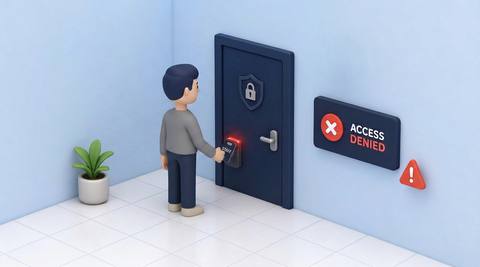
 Without IVISIONStandard CCTV feed
 With IVISIONIllustrative event overlay
The Process
Door state and access permission are separate Keep door-related exceptions precise.
01Capture the door leaf and threshold clearly.
 02
02Validate the selected door-state or passage criterion.
 03
03Review the candidate with schedule and access context.
 04
04Ask the responsible team to inspect the relevant condition.
Explore Your Options
| Dimension |  Restricted-door monitoring Restricted-door monitoring |  Unauthorized-access detection Unauthorized-access detection |
|---|---|---|
| Observation |  A defined door state or passage at the monitored threshold. A defined door state or passage at the monitored threshold. | Entry into a defined restricted area. |
| Event criteria | Supported analysis meets the agreed state/duration or crossing criterion. | An observed entrant lacks verified permission for that place or period. |
| Monitoring setup | Confirm door type, expected states, schedule and maintenance exceptions. | Confirm boundary, schedule and permission source. |
| What it cannot establish | Cannot verify lock engagement, access permission or fire rating visually. | An unknown face alone does not prove unauthorized access. |
| Practical outcome | Help facilities teams check the specific condition that requires follow-up. | Direct attention to entries needing an authorization check. |
Illustrative demonstration
Example footage and simulated events explain the review workflow. They do not measure detector performance.
 Sites overview
No matching events.
Facility MonitoringCheck permission independently of door state.
Read More
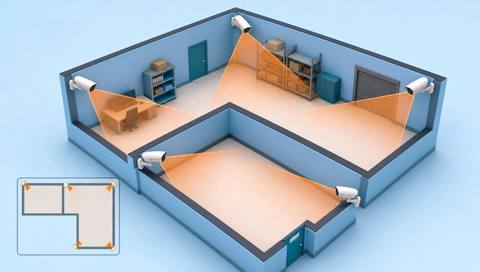 Facility Monitoring
Define the threshold and active schedule.
Read More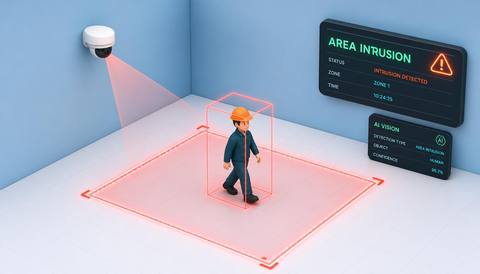 Facility Monitoring
Review boundary crossing at external access points.
Read MoreEXPLORE WHAT’S POSSIBLE
01 / 04 · RESTRICTED-DOOR MONITORING
A door remains open during deliveries.
Example event: An open-state candidate persists.
Operator response: Confirm the delivery exception.
Practical value: Supports contextual follow-up.
Discuss this capability02 / 04 · RESTRICTED-DOOR MONITORING
Maintenance changes normal door use.
Example event: Unexpected passage is recorded.
Operator response: Check the work permit.
Practical value: Separates authorized work.
Discuss this capability03 / 04 · RESTRICTED-DOOR MONITORING
A closed door may still be unlocked.
Example event: The image shows a closed state.
Operator response: Use the proper lock/access check.
Practical value: Avoids false security assurance.
Discuss this capability04 / 04 · RESTRICTED-DOOR MONITORING
Show the relevant leaf and threshold.
Visibility: Reflections and occlusion confuse door state.
Configuration: Verify supported door types and any access-system data.
Privacy: Limit access-event records to approved roles.
Human review: Inspect the actual lock or permission separately.
Discuss this capabilityFrequently asked questions
Reviews visible door-state or passage observations at a designated restricted doorway.
No. Lock engagement needs another verified source or check.
No. Permission and task context must be checked.
Validate the specific design and camera angle.
No. Fire-door compliance requires appropriate inspection.
Find your fit
Help facilities teams check the specific condition that requires follow-up. For Facility security, Access administrators.
Workflow to discuss
Restricted-door monitoring + Separate state and passage events.
Discuss a camera view, a monitoring question and the review process your team needs.





