




Operational visibility
Focus on space rather than individuals.

Meeting patterns, hybrid schedules and maintenance activity can make a single camera snapshot an unreliable explanation of office use.
Explore use casesFind your environment
Choose an environment to see the challenges, actions,
and outcomes that matter there.
Use aggregate observations to understand shared-space use and practical facilities concerns. Keep the purpose centered on rooms, routes and service areas rather than judging individual employees.
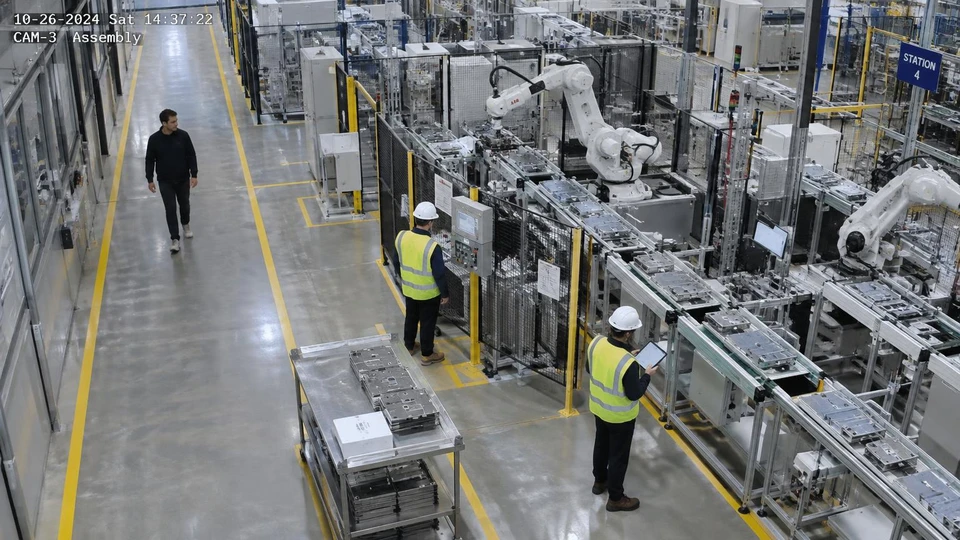
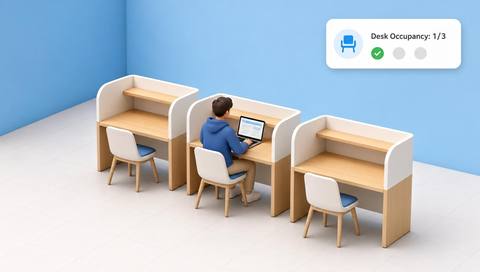 Illustrative observation
 with IVISIONIllustrative overlay
What can Vision AI help you monitor?
Focus on space rather than individuals.

Compare representative operating periods.

Support practical facilities follow-up.
Meeting patterns, hybrid schedules and maintenance activity can make a single camera snapshot an unreliable explanation of office use.
Choose a space-use or access concern.
Include different schedules and room configurations.
Compare observations with facilities records rather than personal performance.
Bookings differ from visible use.
Observation: A supported aggregate observation is available.
Response: Compare with booking context and coverage.
Value: Inform a space discussion.
Use varies by day.
Observation: Retained observations show changing occupancy.
Response: Review a representative period.
Value: Avoid decisions from one snapshot.
A door remains visibly open.
Observation: The validated door state persists.
Response: Check maintenance activity and the physical door.
Value: Support a facilities check.
Camera view: Prefer aggregate views that exclude screens and private rooms.
Validation: Validate occupancy definitions and camera coverage.
Privacy: Minimize employee identification and publish a clear monitoring purpose.
Human review: Facilities staff interpret data with schedule and booking context.
No. Presence and desk occupancy do not establish work quality or output.
No. Sampling and visibility limits matter.
Choose placement and masking that avoid them.
No. Lock status requires separate reliable evidence.
See it in action
Illustrative observationEstimates whether a defined desk or workstation is visibly occupied.
Scenario selector
Review visible desk use only where the method and privacy approach are appropriate.
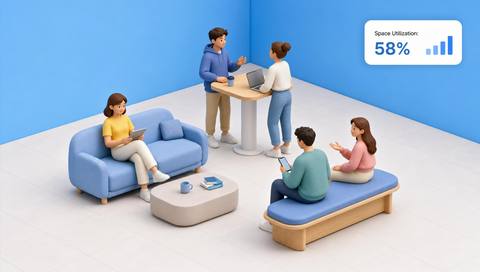
Compare supported aggregate space observations with operating context.
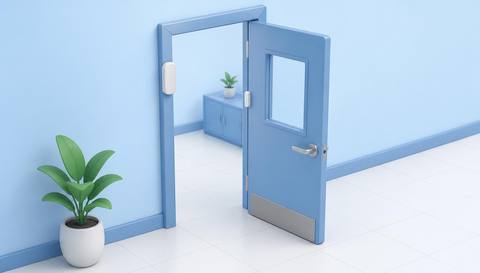
Check visible service-door position separately from lock status.
Fit with your environment
Industrial district
No events match this filter.
Use case finder
Tell us about your environment, priority, and cameras. We’ll shape a practical starting point in three steps.
Question 1 of 3
Prefer to look around first? See every use case we offer

Discuss a camera view, a monitoring question and the review process your team needs.
 Sites overview
 3 illustrative sites